

The picture your link shows, made from the page itself.
When someone shares your site, the preview is the first thing they see. The skill reads each page the way the apps do, builds a 1200×630 image with its headline, logo, fonts and colors, checks every tag and shows the link in six apps before anyone shares it. Every share image on this site was made by it.
npx skills add c0le0ni/skills --skill coleoni-og
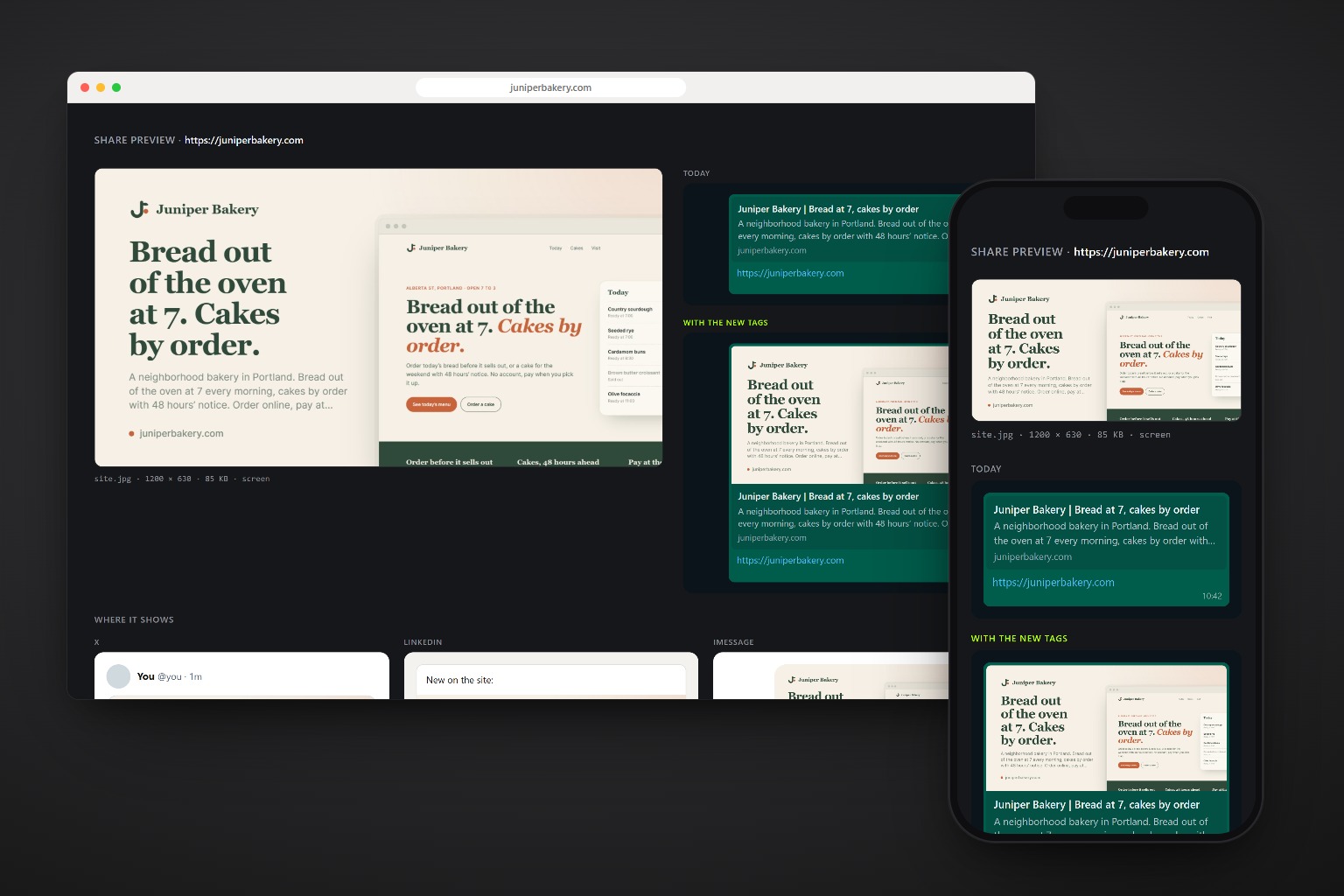
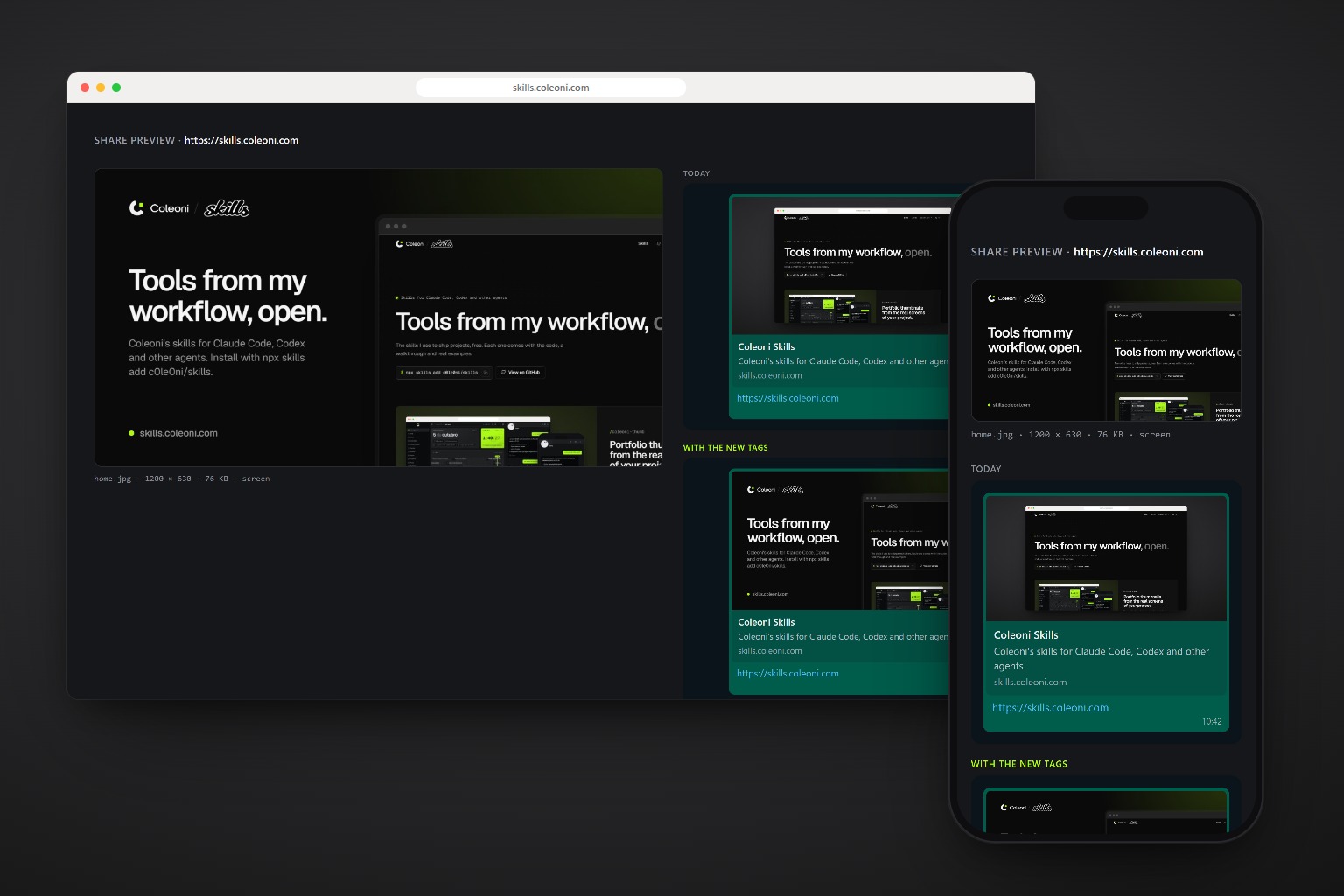
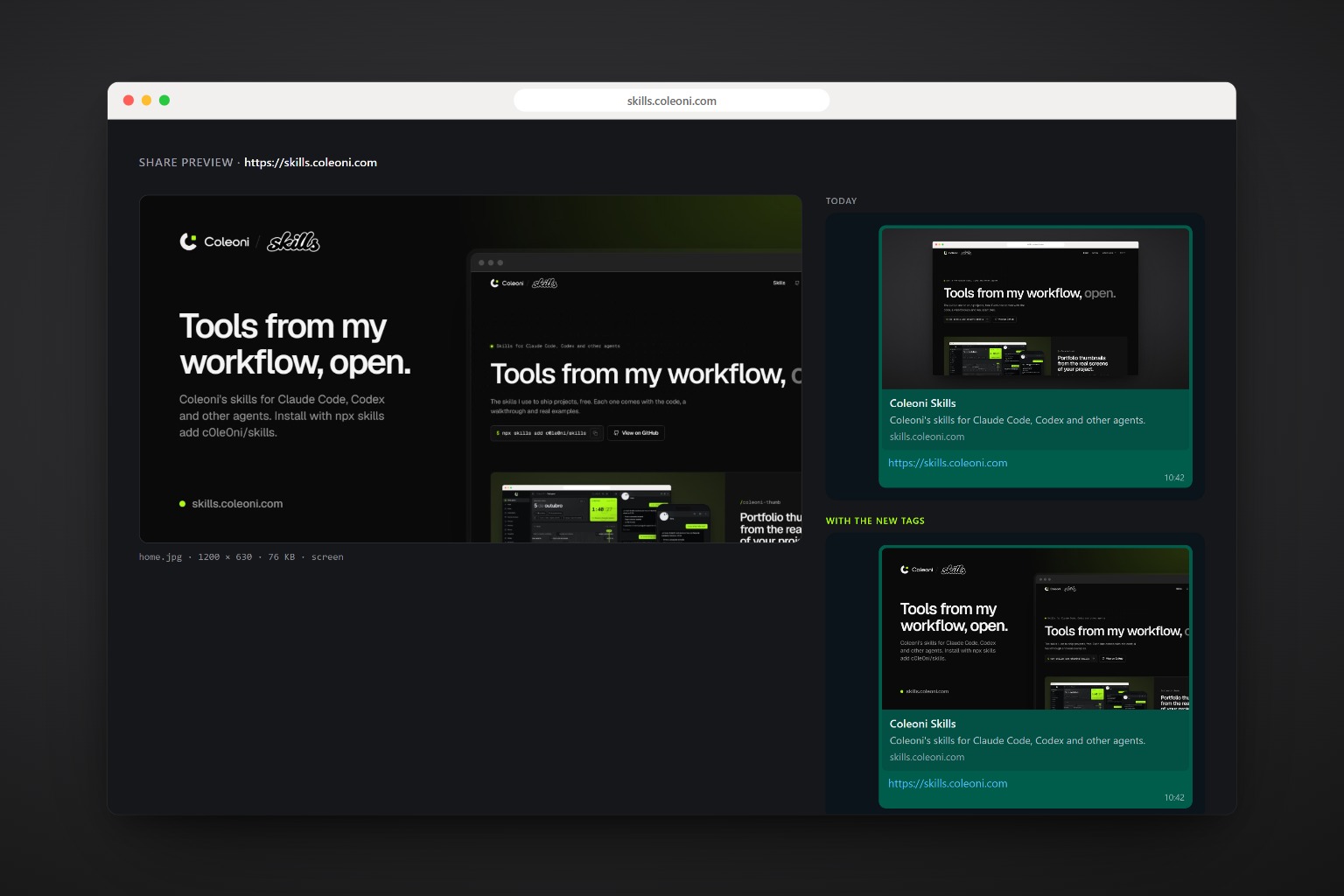
From a link with no picture to one people click.
A fictional bakery, the same one from /coleoni-briefing: a nice site, shared as a bare link. The skill found what was missing and made the image from the home page.
$ /coleoni-og juniperbakery.com

Checks today · juniperbakery.com
  ok       <title>             43 characters
  ok       meta description    143 characters
  missing  og:title
  missing  og:description
  missing  og:image            no picture
  fix      og:url / canonical
  fix      og:type
  fix      twitter:card        small card on X
The page decides how it is shared.
Nothing on the image is invented. The headline, the logo, the fonts and the colors all come from the page, so the preview looks like the site it leads to.
-
Reads like a bot
No cookies, US English, UTC: the way WhatsApp, X and LinkedIn fetch a page. Redirects and language switches show up as they would for them.
-
Takes what is there
The
h1, the description, the logo in the header, the brand color from the buttons and the heading font. -
Renders in its fonts
The image is drawn over the page itself, so the site’s own web fonts apply. No font files to find.
-
Checks every tag
Title and description length, every
og:tag,twitter:card, and the current image’s size, ratio and weight. -
Shows every app
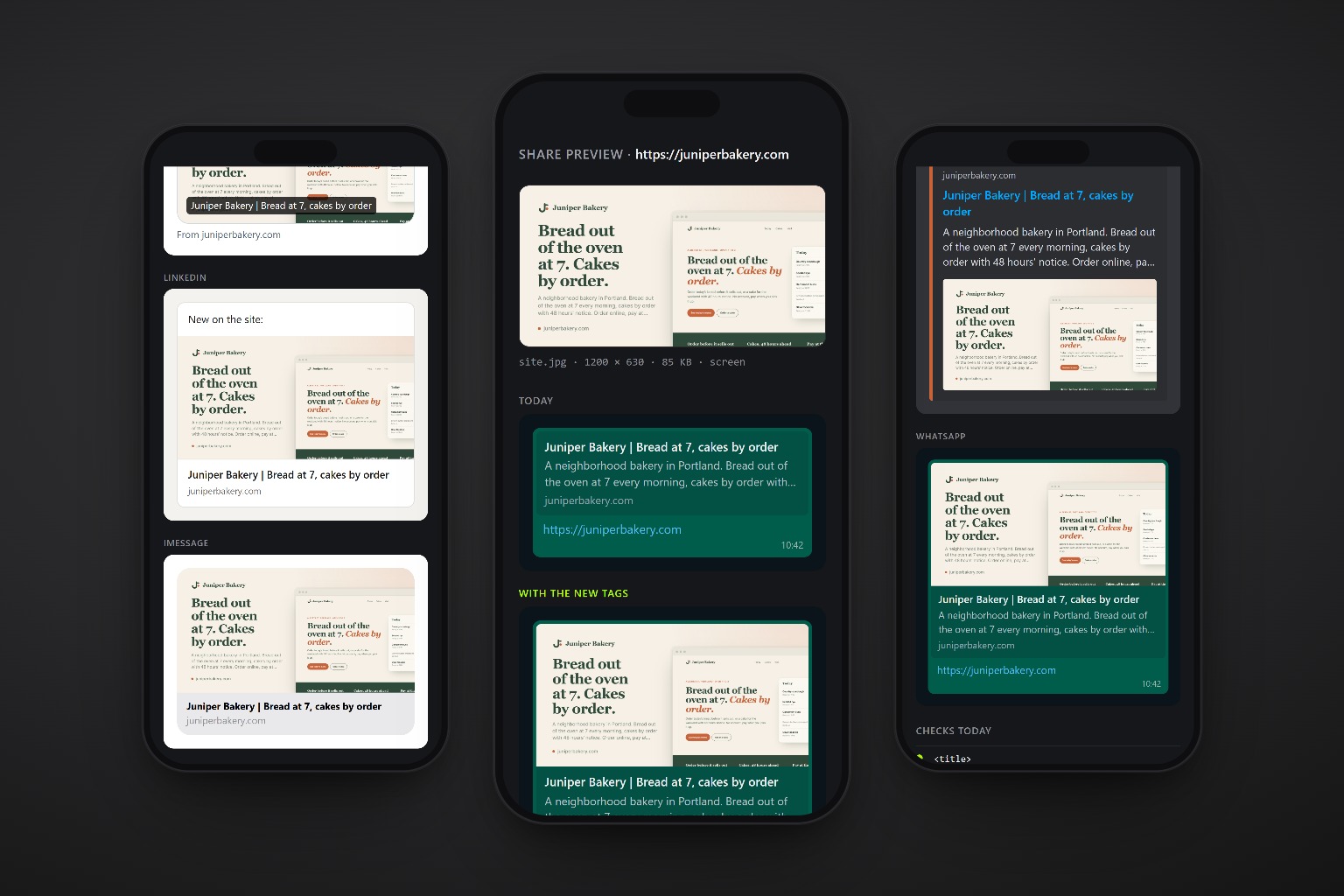
WhatsApp, X, LinkedIn, iMessage, Slack and Discord on one sheet, with today’s link next to the new one.
-
Installs the tags
Where each framework expects them, after showing what changes. Never two
og:imageon one page.
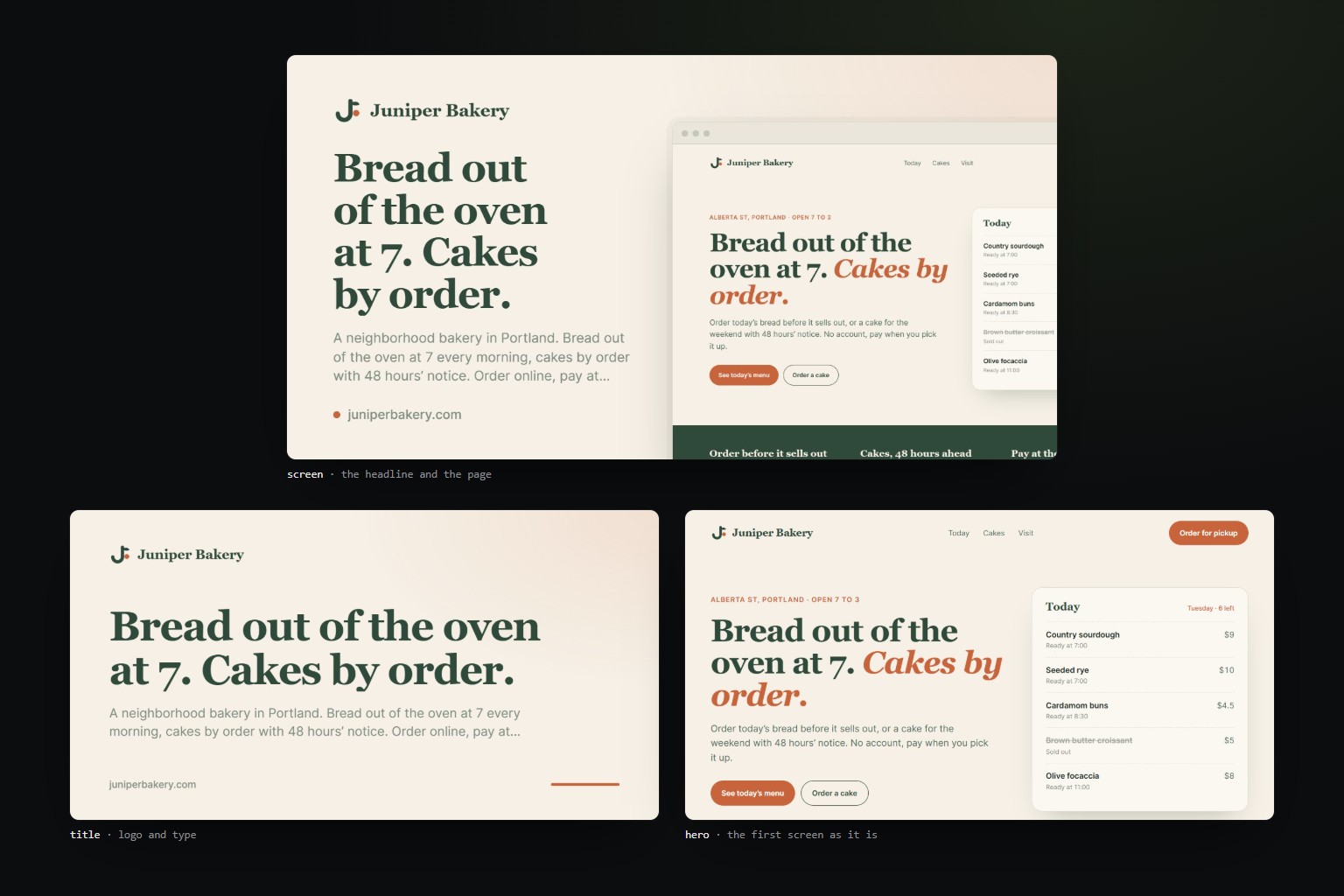
Three ways to show a page.
All three at 1200×630, as JPG around 100 KB. The agent picks one per page; you can ask for another.
| Layout | When |
|---|---|
screen | Logo, headline and description on the left, the page in a browser frame on the right. Fits most sites and apps. See it |
title | Logo and large type only. For articles, docs and pages whose first screen is weak. See it |
hero | The page’s own first screen, as it is. Only when the hero already works as a poster. See it |
What comes out.
One image per page, and everything needed to put it live and confirm it worked.
| File | What it is |
|---|---|
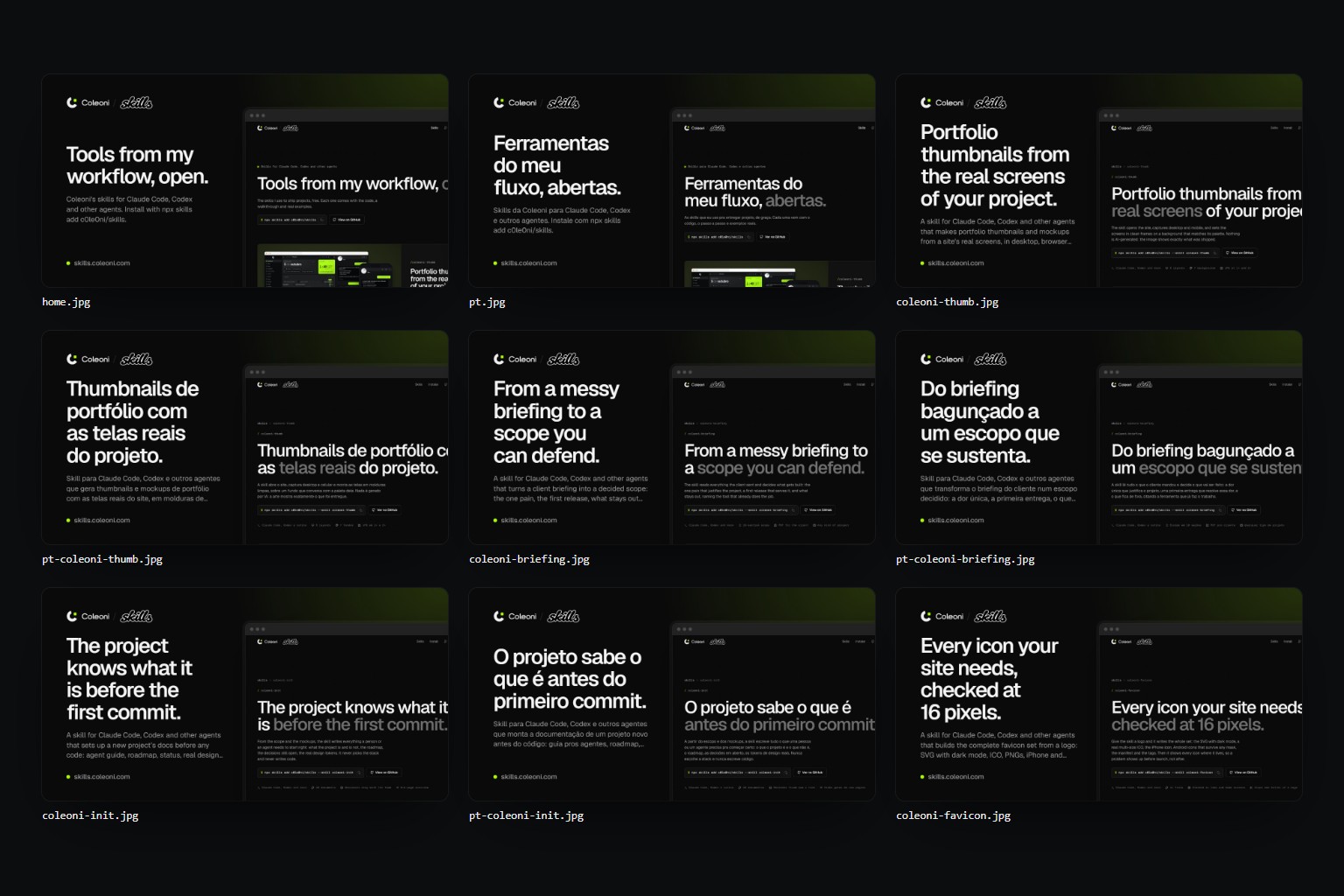
<page>.jpg | One 1200×630 image per page: home.jpg, pricing.jpg, blog-my-post.jpg |
preview.png | The link in six apps, today and with the new tags, plus the checks and every image |
report.md | Every tag of every page: ok, to fix or missing, and why |
tags.html | The tags for each page’s <head>, with width, height and alt |
og.json | The same, for scripts |
One command, any agent.
The only package is playwright-core, installed by the agent on first use. It drives the Chrome or Edge you already have.
npx skills add c0le0ni/skills --skill coleoni-og
/coleoni-og https://yoursite.com
-g-a claude-code-a codexnpx skills add c0le0ni/skillsPoint it at a page, a build or a whole site.
It writes to a scratch folder and shows the preview. Tags change only when you say so.
Check one page and make its image.
/coleoni-og https://yoursite.com
Every page in the sitemap, then install.
/coleoni-og the whole site from the sitemap, install it
A local build before it goes live.
/coleoni-og ./dist, domain yoursite.com, title layout for the blog
The engine, from the terminal.
scripts/og.mjs runs on its own too: node og.mjs https://yoursite.com --out og.
| Option | What it does |
|---|---|
--layout | screen (default), title or hero |
--sitemap <url> | Take the pages from a sitemap; --limit 12 by default |
--title, --subtitle | Text on the image, when the page’s own does not work alone |
--domain site.com | Domain on the image and in the previews, for local builds |
--base https://site.com/og/ | Where the images will live, for the tags |
--logo, --bg, --accent | When the page’s logo or colors are read wrong |
--hide "sel,sel" | Hide cookie banners and chat bubbles before capture |

Every link you send, worth the click.
npx skills add c0le0ni/skills --skill coleoni-og