

From a messy briefing to a scope you can defend.
The skill reads everything the client sent and decides what gets built: the one pain that justifies the project, a first release that serves it, and what stays out, naming the tool that already does the job.
npx skills add c0le0ni/skills --skill coleoni-briefing
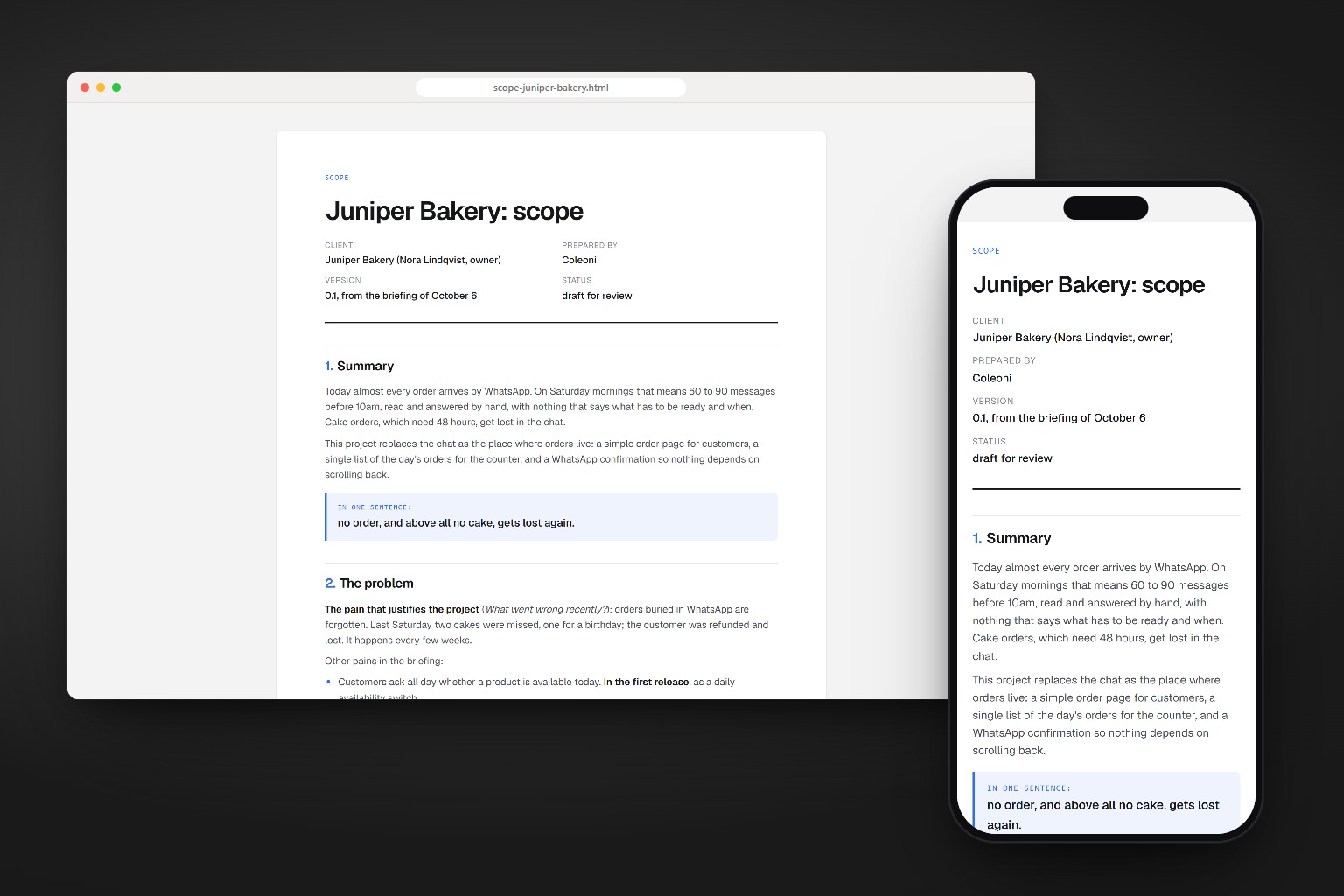
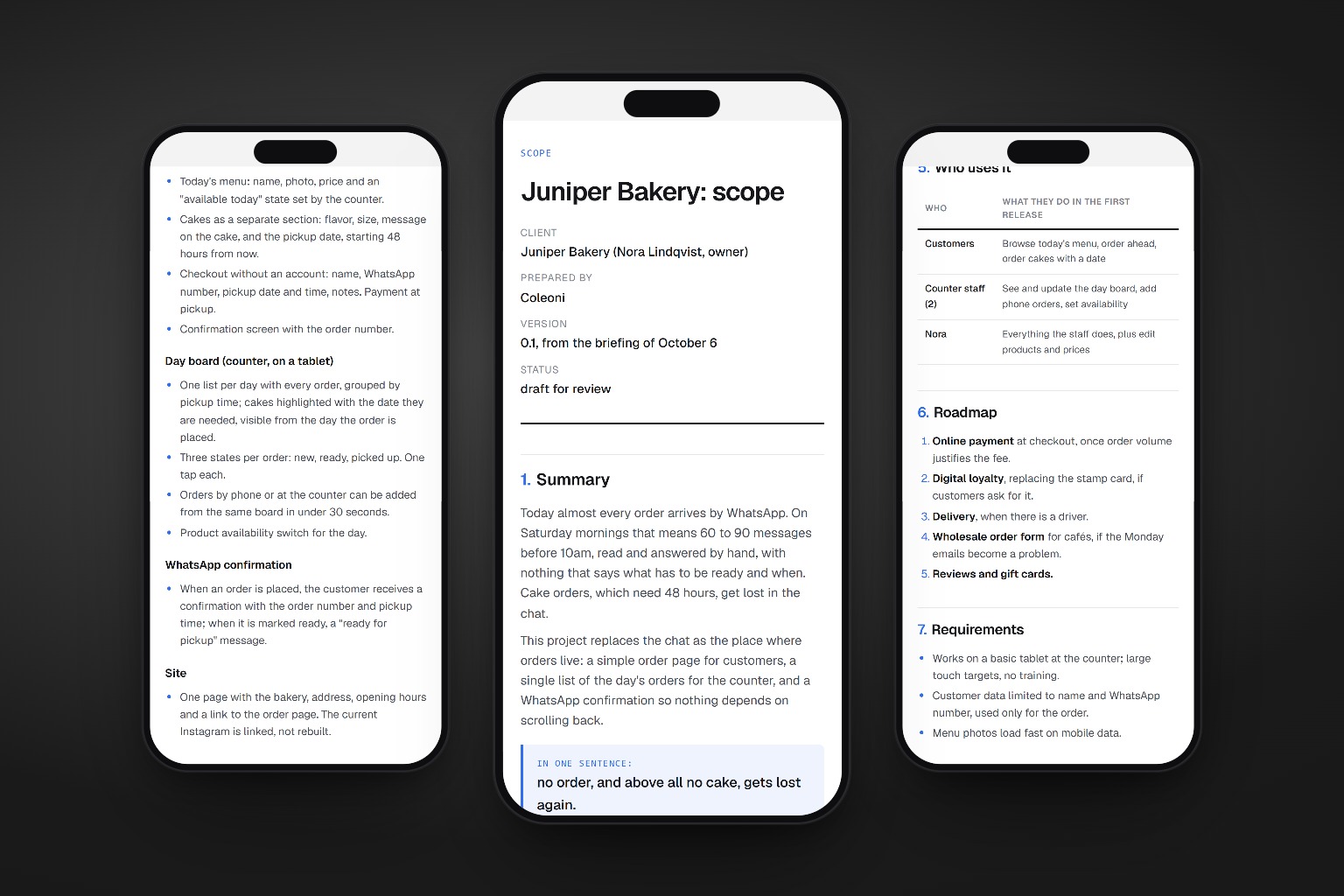
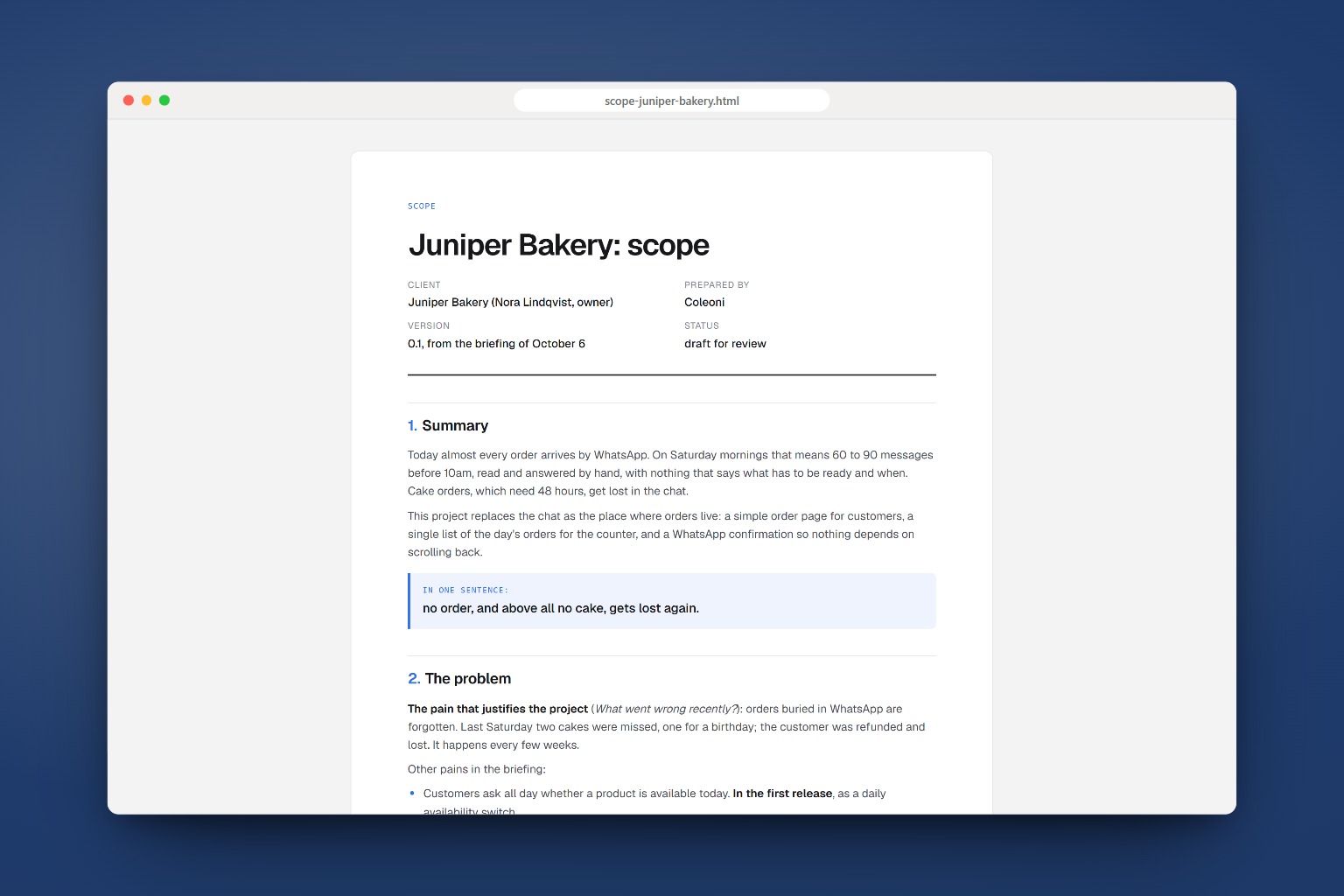
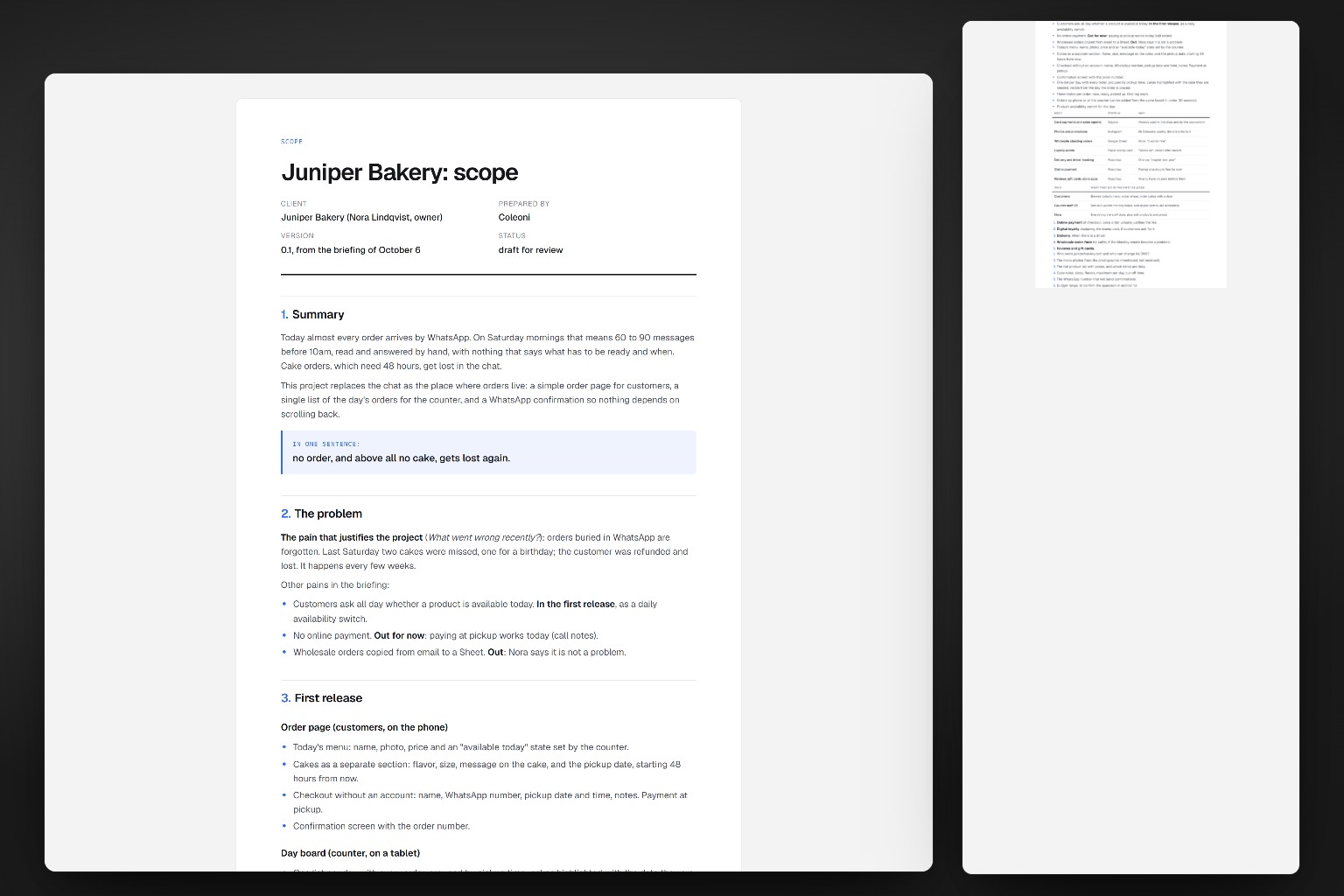
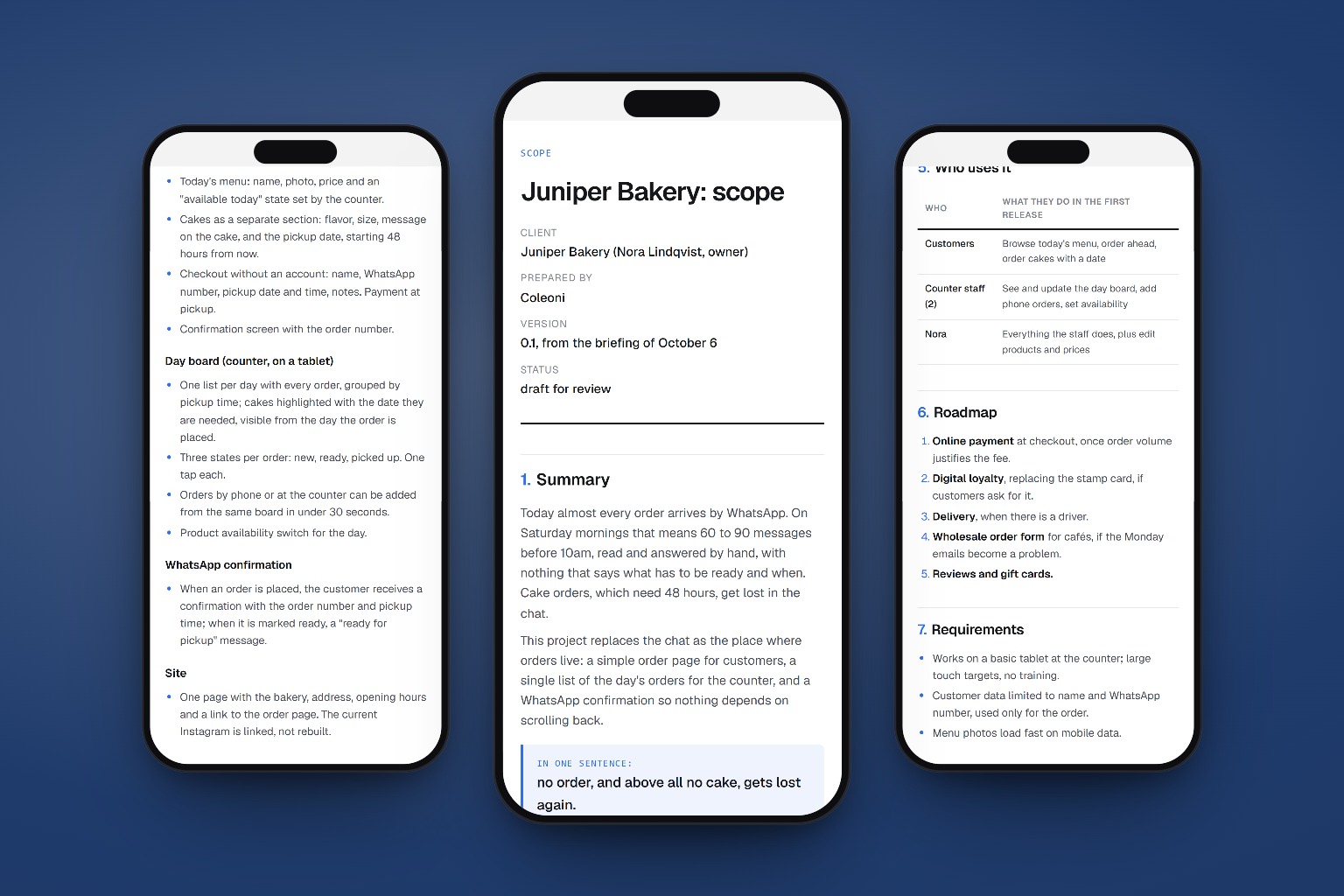
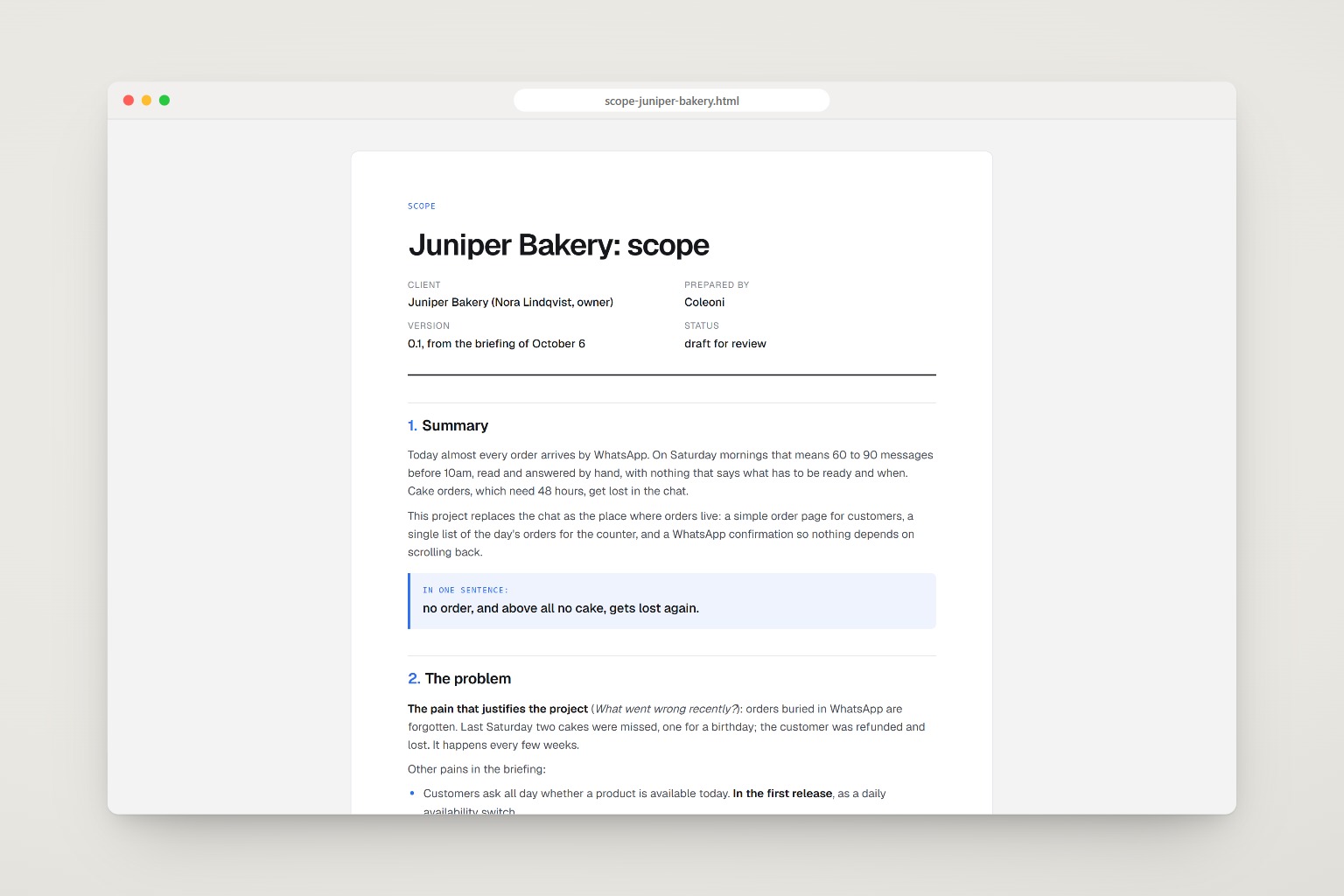
What goes in, what comes out.
A fictional bakery asked for “an app like the big delivery platforms”. The answers pointed to a smaller problem: cake orders lost in WhatsApp.
WHAT DO YOU WANT TO BUILD?
An app like the big delivery platforms, where customers order, pay,
track the driver, earn points, leave reviews. Also a website. Maybe a
page for wholesale clients.

HOW DO CUSTOMERS ORDER TODAY?
Mostly WhatsApp. On Saturdays we get 60 to 90 messages before 10am.

WHAT WENT WRONG RECENTLY?
Last Saturday we forgot two cake orders that were buried in the chat.
One was for a birthday. We refunded and lost the customer. This
happens every few weeks.

WHAT TOOLS DO YOU ALREADY USE?
- Square for the card machine and payments in the shop.
- Instagram for photos and promotions (8k followers).
- A Google Sheet with wholesale standing orders. It works fine.

NICE TO HAVE?
Loyalty points, delivery with our own driver, reviews, gift cards,
wholesale portal, an app in the stores.

DEADLINE?  7 weeks.        BUDGET?  Not sure yet. Small.

CALL NOTES
- Repeated the forgotten cakes story twice.
- Delivery: "maybe next year, we only have one car".
- Loyalty: paper stamp card "works ok".
- Menu photos: "I'll forward them" (not received).
- Domain: not sure who registered it.
Six questions before any feature.
Clients describe the product they imagine. Their answers reveal the problem they have. The skill builds for the answers.
-
Read everything
Form answers, call notes, emails and chat exports, before deciding anything.
-
Find the one pain
The problem that alone justifies the project, cited from the client’s own answers.
-
Keep what already works
Every tool the client mentions keeps its job. The scope names it when it cuts.
-
First release, then roadmap
Only what serves the pain ships first. The rest waits, in a suggested order.
-
Ask, never guess
Missing or vague answers become open questions, ordered by what blocks the start.
-
Check the deadline
An honest read on whether it fits, and the one thing that threatens it.
Ten sections, ten minutes to read.
Every item in the first release traces back to something the client said. Section 4 is the one that protects the deadline.
| Section | What it holds |
|---|---|
| 1. Summary | How things work today, what changes, and the project in one sentence |
| 2. The problem | The pain that justifies it, in the client’s words, and which pains wait |
| 3. First release | Pages, screens and flows, with concrete fields and actions |
| 4. Out of scope | What stays in the tools the client already uses, and why |
| 5. Who uses it | Each role and what it does in the first release |
| 6. Roadmap | What comes later, in order, with the reason it waits |
| 7. Requirements | Only what the project needs: privacy, devices, languages, speed |
| 8. Deadline | The target, whether it fits, and the biggest threat |
| 9. Open questions | What is missing, starting with what blocks the work |
| 10. Suggested approach | Platform or stack, chosen for speed and for who maintains it |
One command, any agent.
The scope needs nothing else. For the PDF, the agent installs marked and playwright-core on first use and prints with the Chrome or Edge you already have.
npx skills add c0le0ni/skills --skill coleoni-briefing
/coleoni-briefing briefing/answers.csv
-g-a claude-code-a codexnpx skills add c0le0ni/skillsPoint it at what the client sent.
A file, a folder or text pasted in the chat. It answers in your language and writes the scope in the briefing’s.
Review the scope in the chat, nothing written.
/coleoni-briefing client/answers.csv
Save the scope next to the briefing.
/coleoni-briefing notes.md --write
A client-ready PDF with your color and logo.
/coleoni-briefing briefing/ --pdf, accent #2f6fed, logo assets/logo.svg
The PDF, your way.
Through the agent there is nothing to memorize. From the terminal, scripts/render.mjs takes these.
| Option | What it does |
|---|---|
--out docs/ | Output folder. Default: next to the markdown |
--accent "#2f6fed" | Color of numbers, rules and the one-sentence highlight |
--logo logo.svg | Studio logo on the cover (svg, png or jpg) |
--by "Studio" | Who prepared it, on the cover and in the footer |
--lang en|pt | Language of the cover labels. Default: detected |
--no-pdf | Only the self-contained HTML |

The next project starts with one pain.
npx skills add c0le0ni/skills --skill coleoni-briefing