

Every icon your site needs, checked at 16 pixels.
Give the skill a logo and it writes the whole set: the SVG with dark mode, a real multi-size ICO, the iPhone icon, Android icons that survive any mask, the manifest and the tags. Then it shows every icon where it lives, so a problem shows up before launch, not after.
npx skills add c0le0ni/skills --skill coleoni-favicon
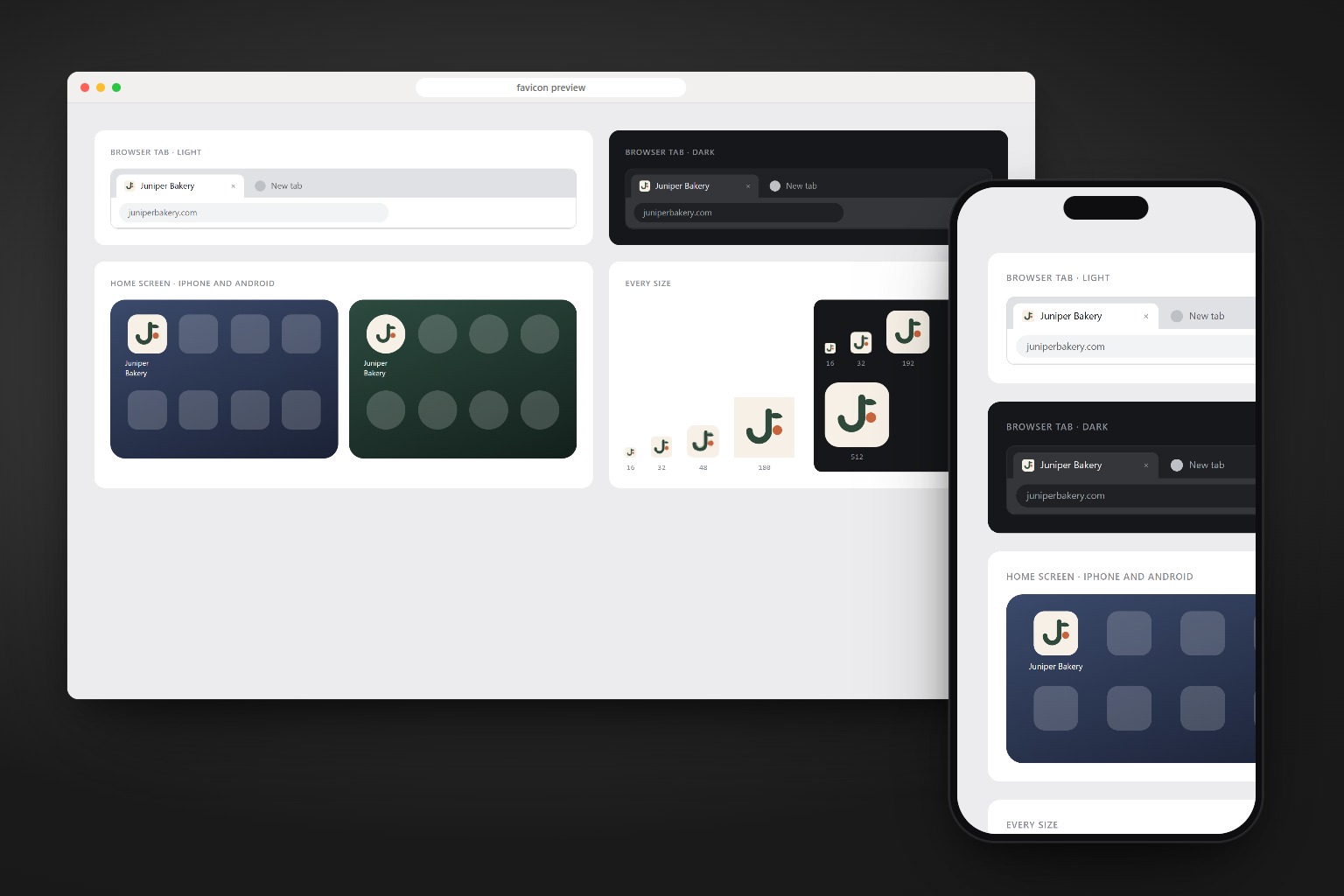
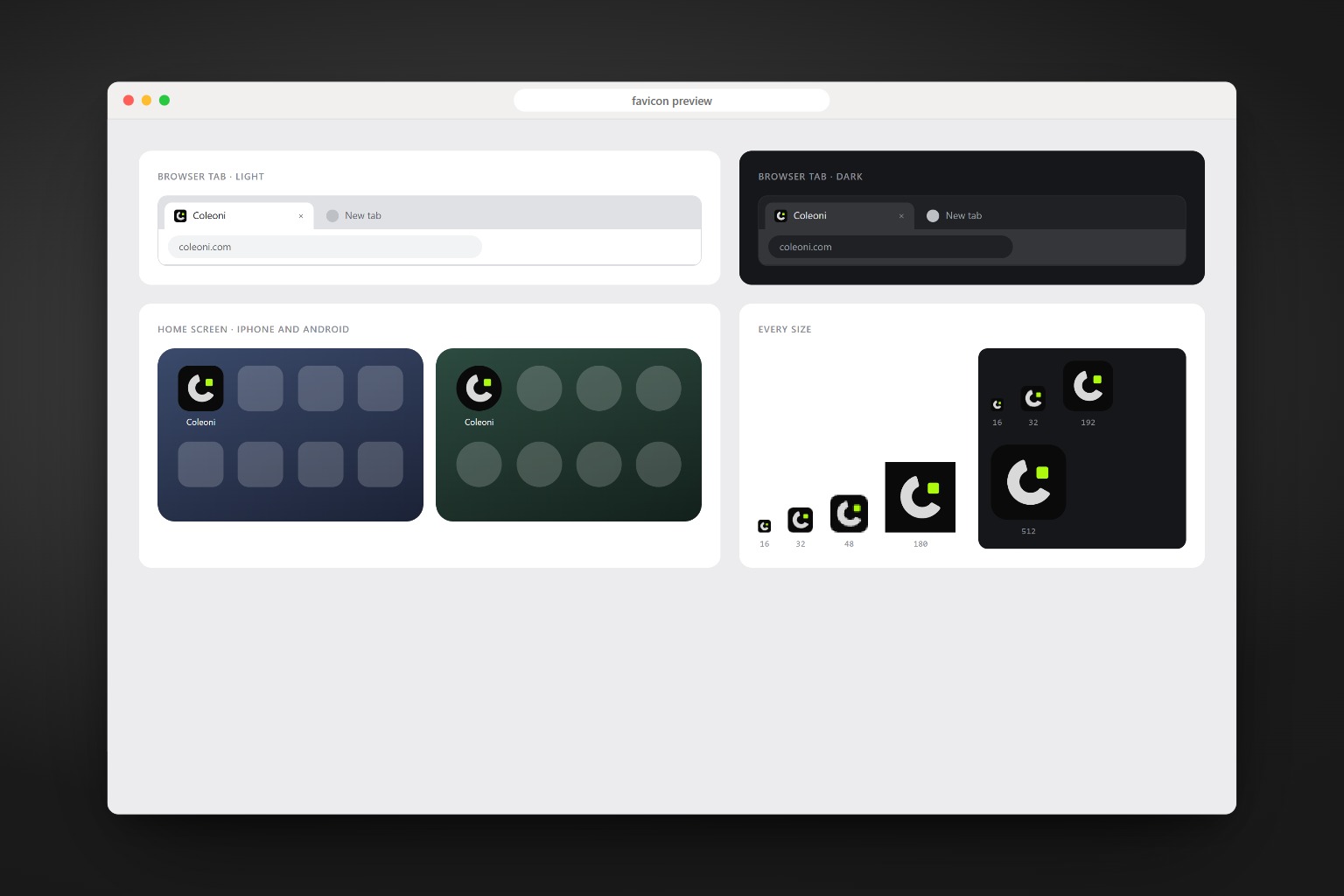
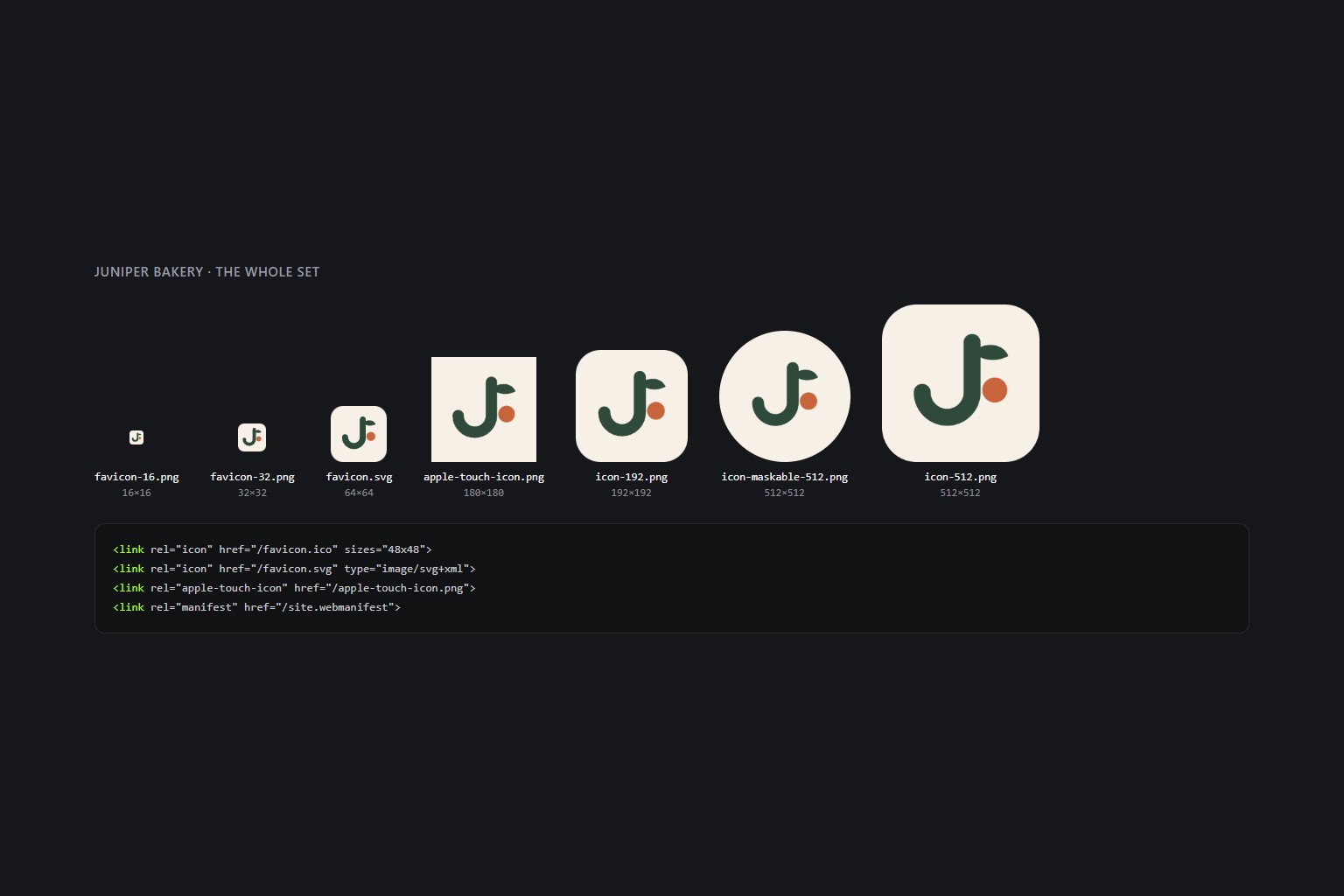
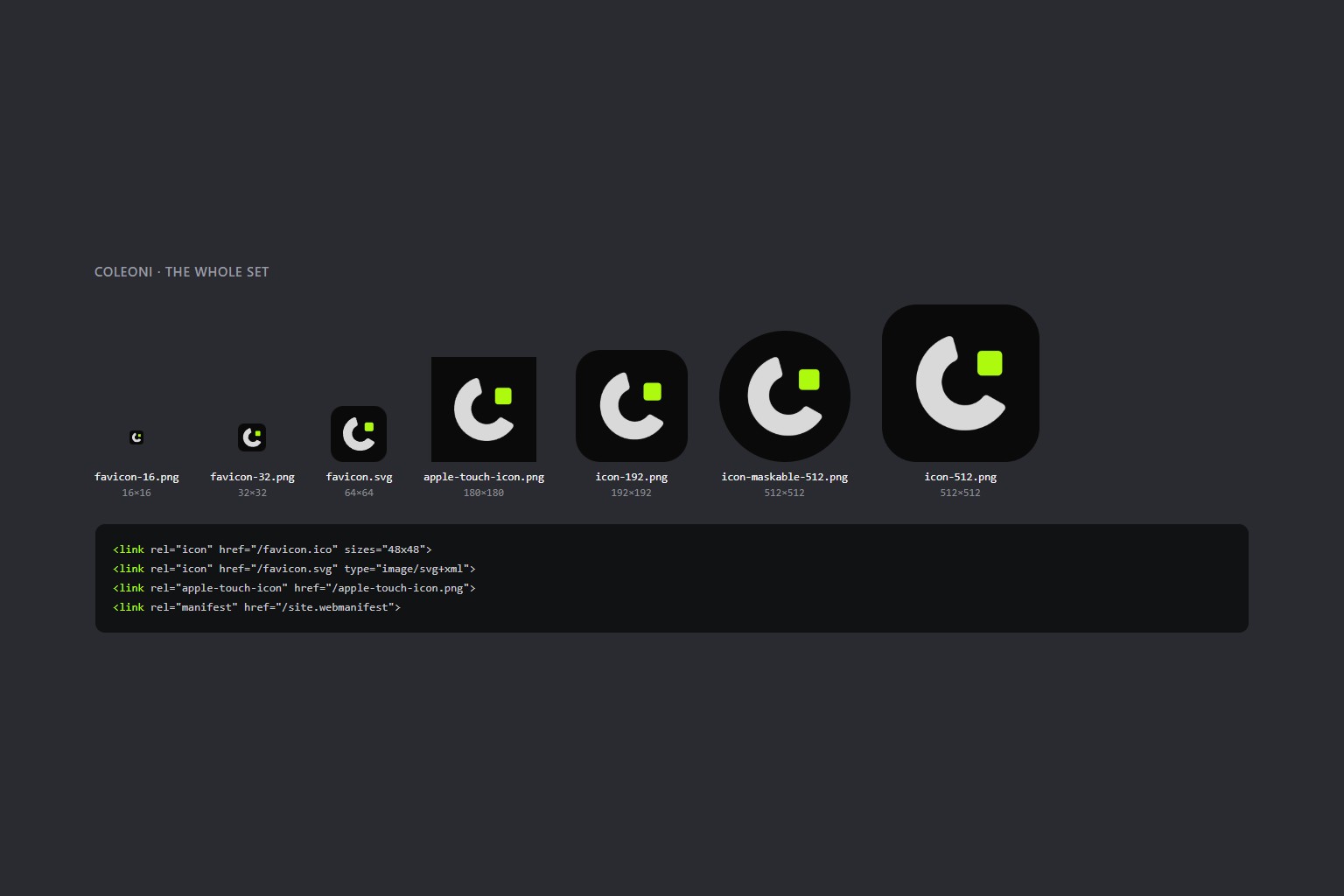
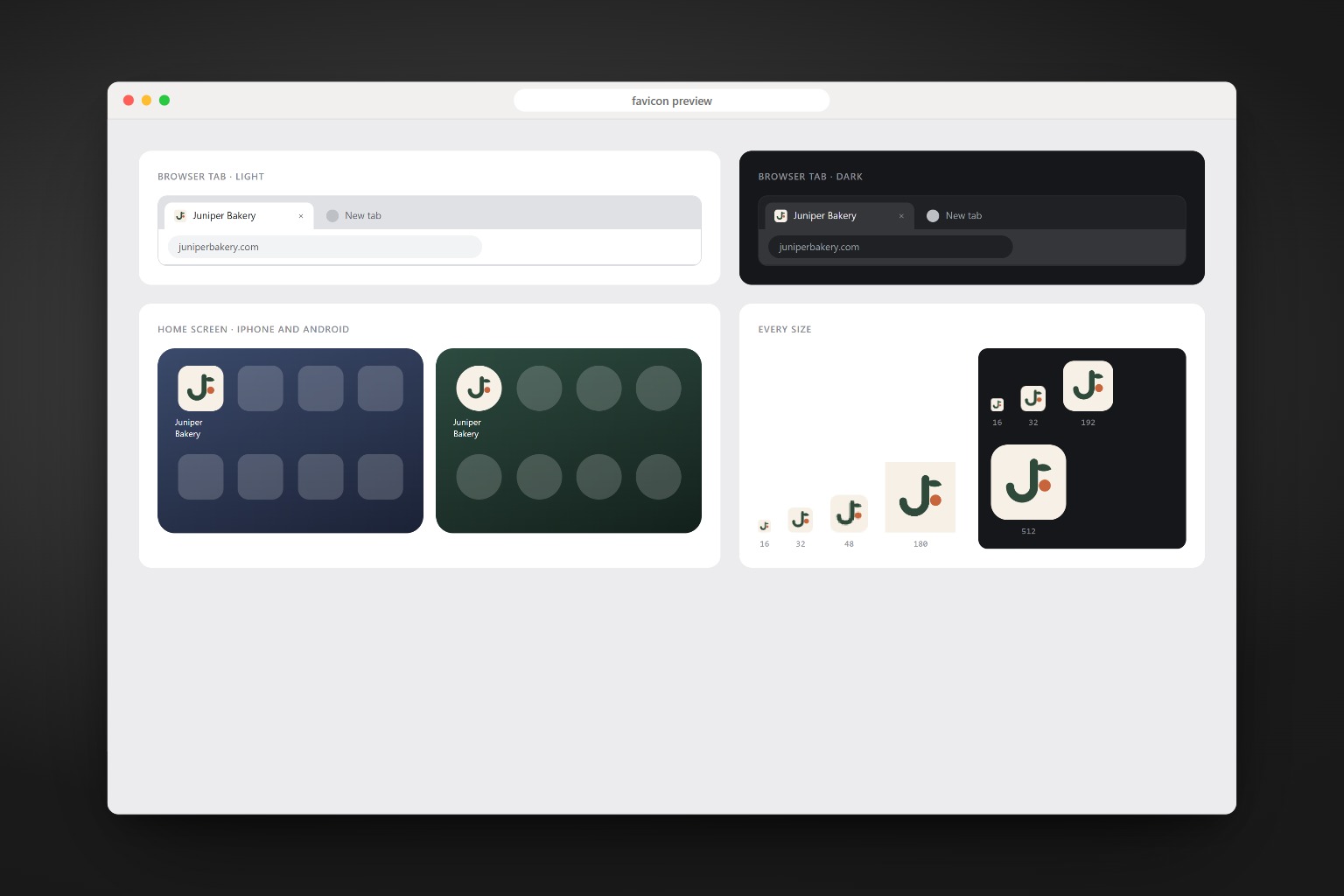
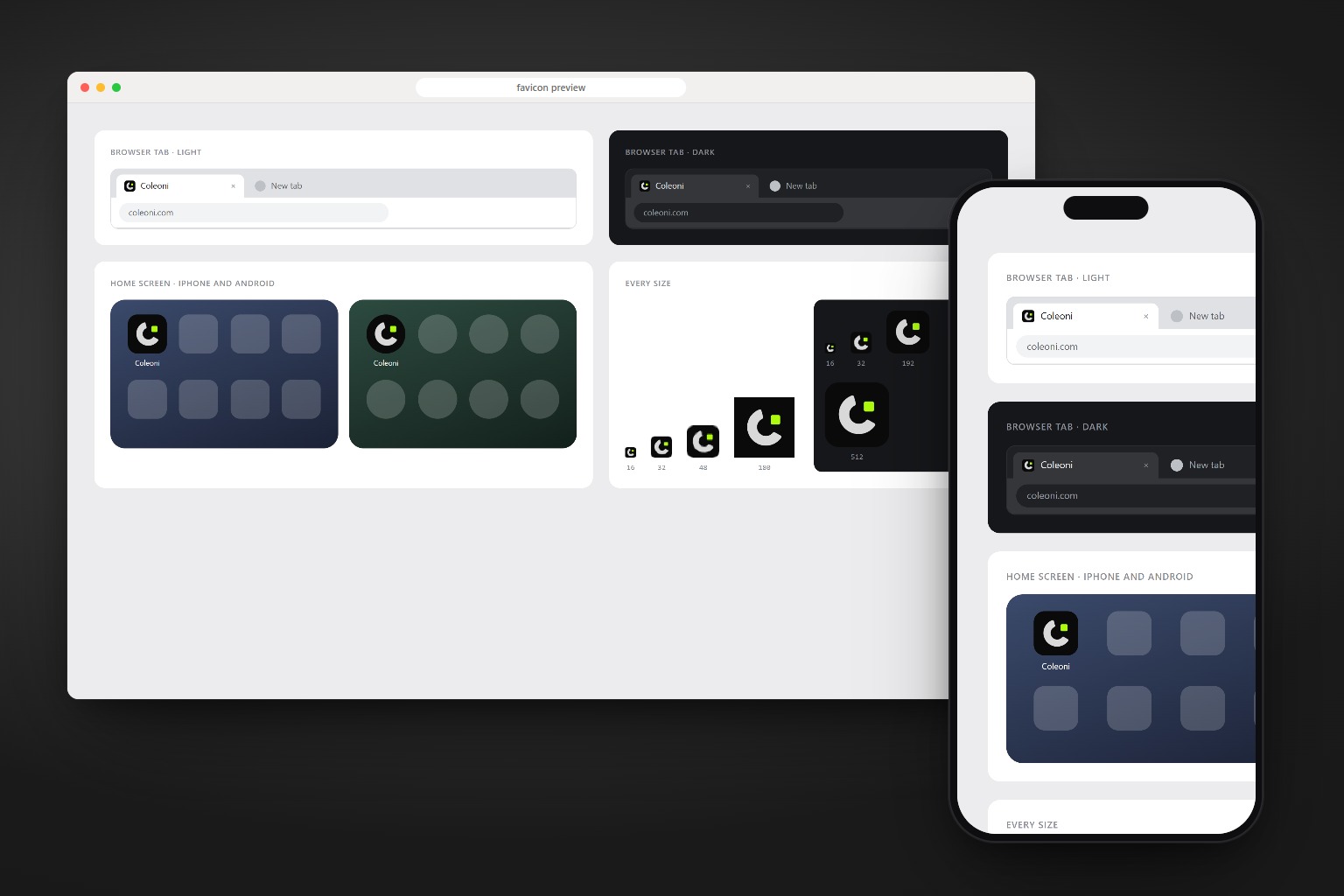
From one SVG to a set you can ship.
A fictional bakery, the same one from /coleoni-briefing: its mark on the brand’s cream, and the sheet the skill reads before it calls the job done.
<!-- logo.svg · Juniper Bakery -->
<svg viewBox="0 0 100 100">
  <path d="M60 14 V58 a22 22 0 0 1 -44 0"
        stroke="#2F4A3A" stroke-width="15"/>
  <path d="M60 22 C 74 12, 88 16 …"
        fill="#2F4A3A"/>
  <circle cx="80" cy="56" r="11"
          fill="#C8643B"/>
</svg>

$ /coleoni-favicon brand/logo.svg
  on the cream #F6F0E6, rounded,
  theme sage #2F4A3A
The mark first. Then every place it shows.
A favicon is sixteen pixels wide. A lockup or a long wordmark vanishes at that size, so the skill starts by finding the part of the logo that survives.
-
Finds the mark
The logo you give, or the one in
public/,assets/orbrand/. SVG first, a large PNG works too. -
Crops when needed
One letter of a wordmark or the symbol of a lockup, cut with
--cropin the SVG’s own units. -
Takes the brand colors
The tile comes from the design tokens or the site itself, never invented. Transparent when the mark reads on any tab.
-
Writes the whole set
SVG, ICO, PNGs, Apple and Android icons, the manifest and the head tags, in a scratch folder first.
-
Checks the preview
The 16px tab, the dark tab, the round Android mask and the iPhone tile. It fixes and runs again until all four pass.
-
Installs it, if you ask
app/for Next.js, the public folder and the tags for the rest, after showing what it will replace.
What the set holds.
Every file has a place where it shows. Nothing in the set is there just in case.
| File | Where it shows |
|---|---|
favicon.svg | Tabs in modern browsers; changes tile in dark mode with --dark-bg |
favicon.ico | 16, 32 and 48 in one file, for every other browser and for /favicon.ico requests |
favicon-16.png, favicon-32.png | Where a PNG is required |
apple-touch-icon.png | iPhone and iPad home screen, 180px, full square |
icon-192.png, icon-512.png | Android and installed web apps |
icon-maskable-512.png | Android adaptive icons, mark inside the 80% safe zone |
site.webmanifest | Name, icons and colors for installs |
head.html | The tags to paste in <head> |
preview.png | The check sheet |
One command, any agent.
The only package is playwright-core, installed by the agent on first use. It drives the Chrome or Edge you already have.
npx skills add c0le0ni/skills --skill coleoni-favicon
/coleoni-favicon public/logo.svg
-g-a claude-code-a codexnpx skills add c0le0ni/skillsAsk the way you would ask a designer.
It writes to a scratch folder and shows the preview. The project changes only when you say so.
Find the logo in the project and build the set.
/coleoni-favicon
Pick the tile and the shape, then install it.
/coleoni-favicon brand/mark.svg on #0a0a0a, rounded, install it
Use one letter of a wordmark.
/coleoni-favicon logo.svg, just the first letter, circle
The engine, from the terminal.
scripts/favicon.mjs runs on its own too: node favicon.mjs logo.svg --out favicon-out.
| Option | What it does |
|---|---|
--bg "#hex" | Tile color, or transparent for the mark alone |
--shape | rounded (default), square or circle |
--padding 0.14 | Space around the mark; heavy marks want 0.18 to 0.22 |
--crop x,y,w,h | Use part of the SVG, in viewBox units |
--dark-bg "#hex" | Tile of favicon.svg in dark mode |
--name "App" | Name in the manifest |
--theme "#hex" | Theme color in the manifest and the tags |

The smallest image on your site, finally right.
npx skills add c0le0ni/skills --skill coleoni-favicon