

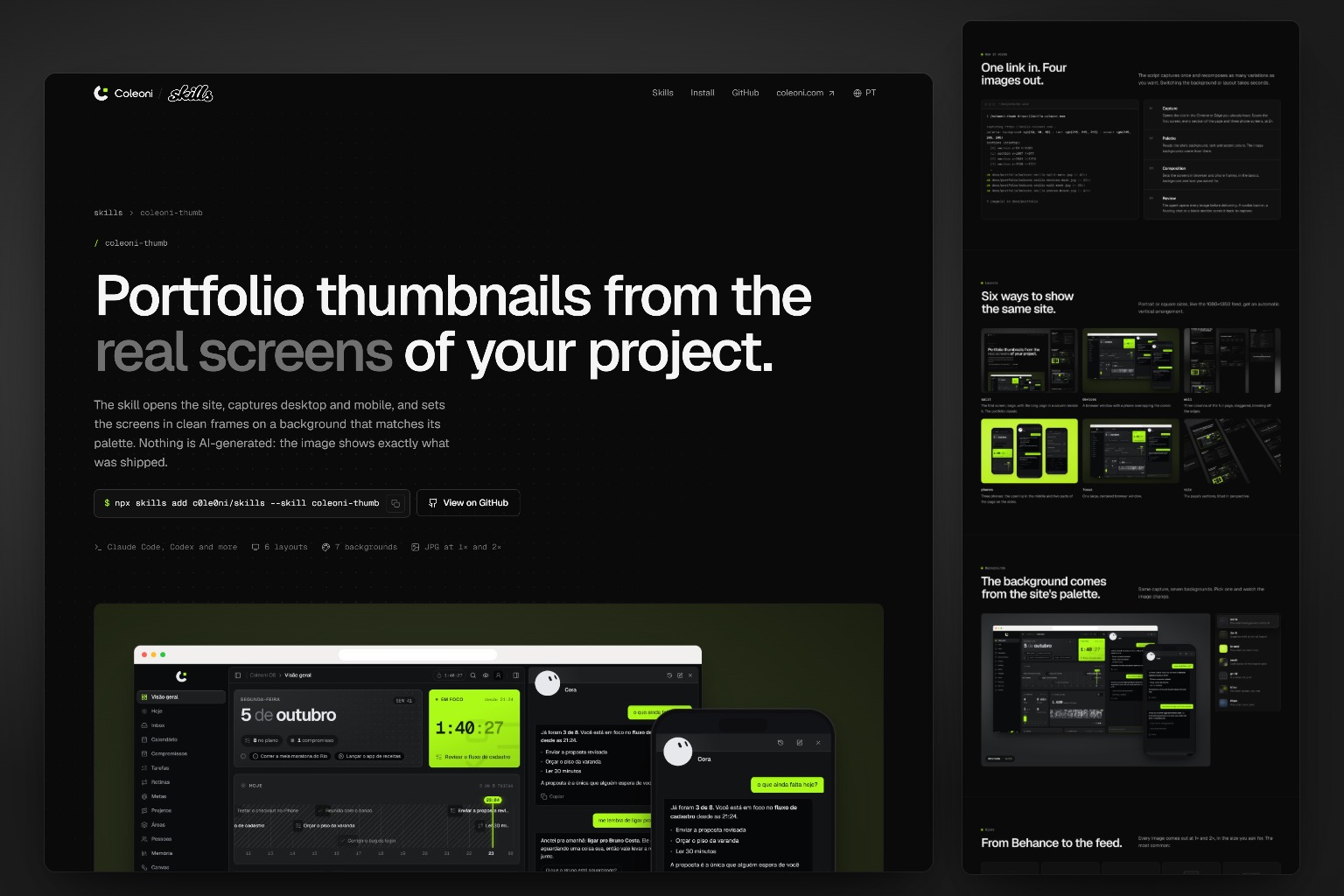
Portfolio thumbnails from the real screens of your project.
The skill opens the site, captures desktop and mobile, and sets the screens in clean frames on a background that matches its palette. Nothing is AI-generated: the image shows exactly what was shipped.
npx skills add c0le0ni/skills --skill coleoni-thumb
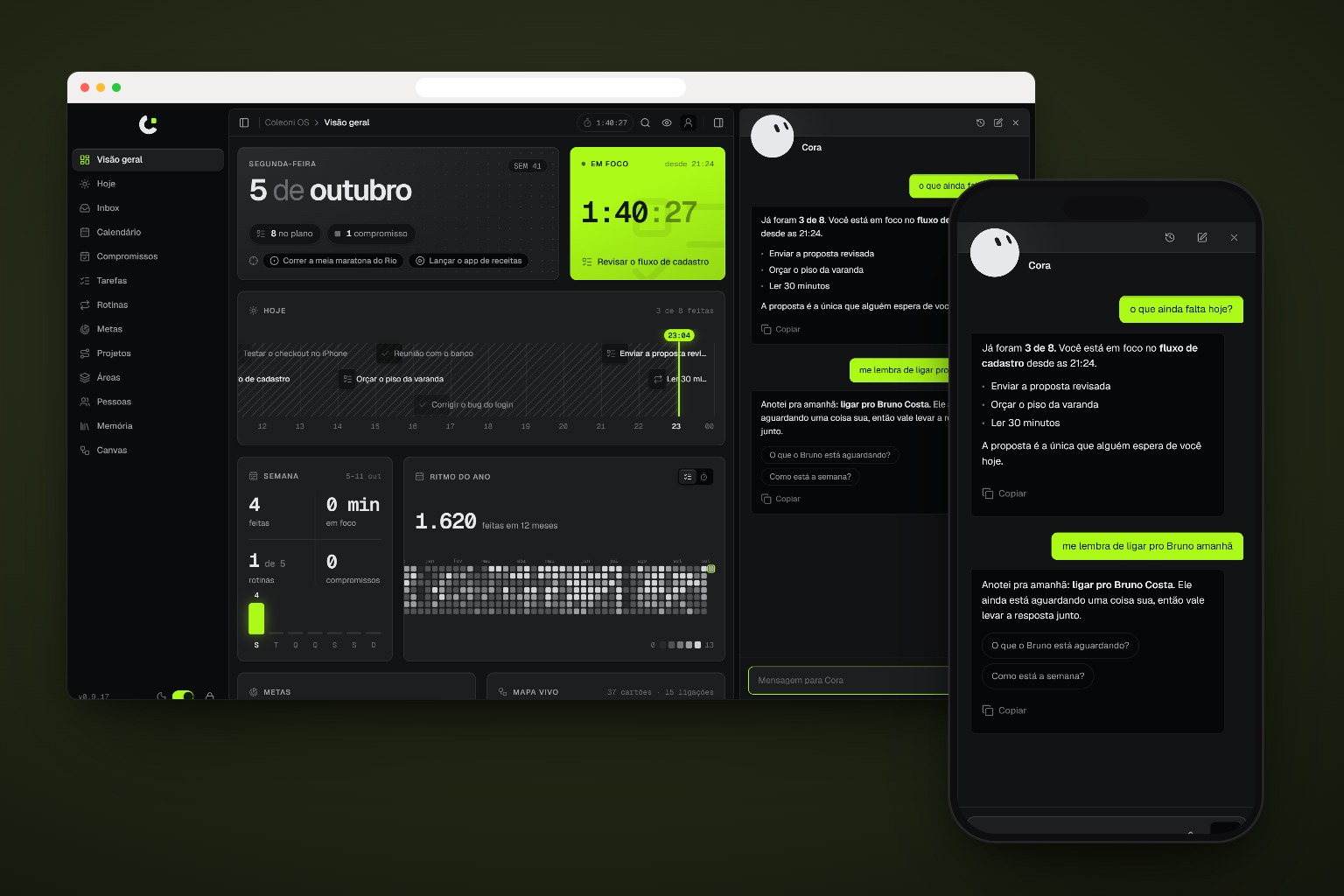
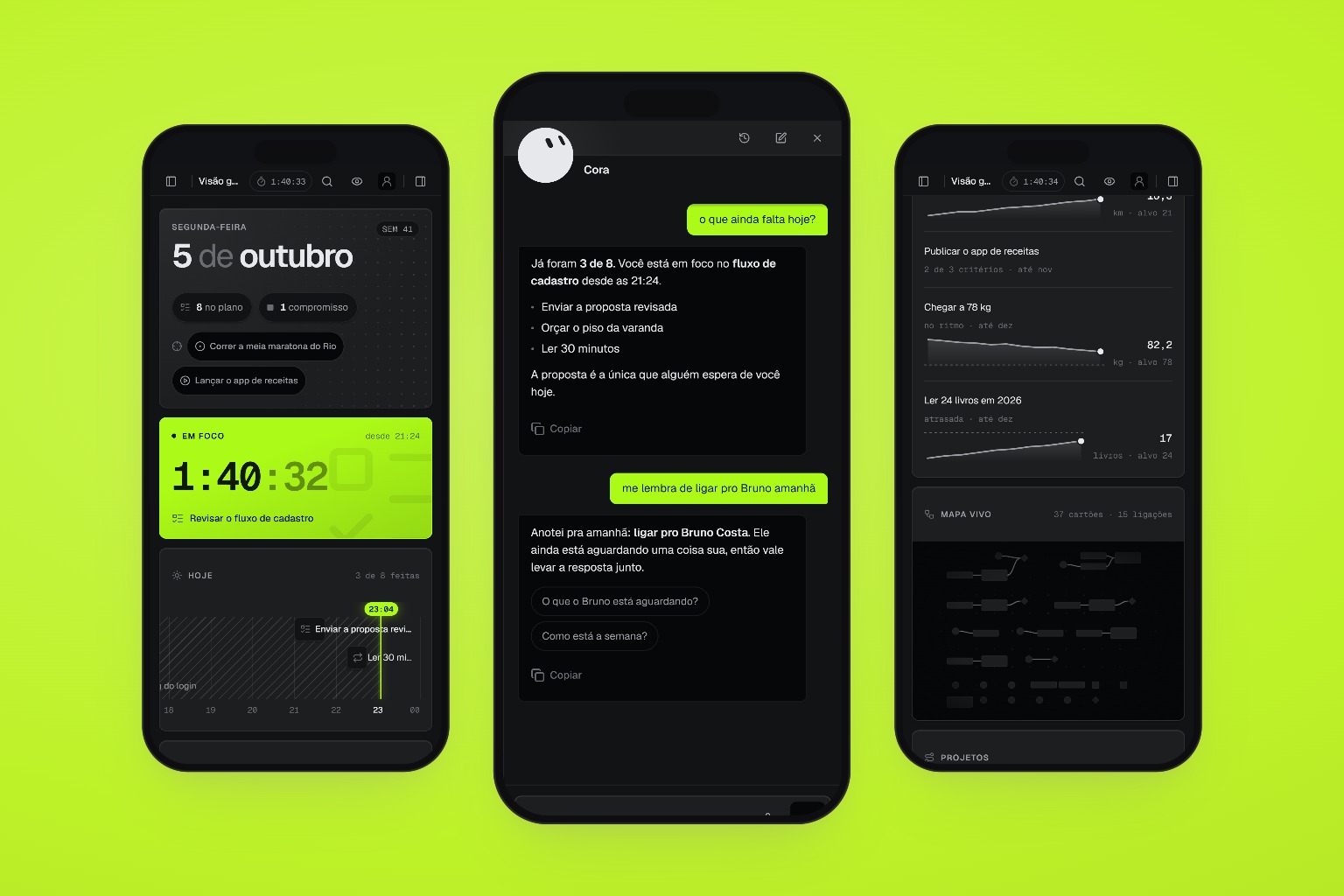
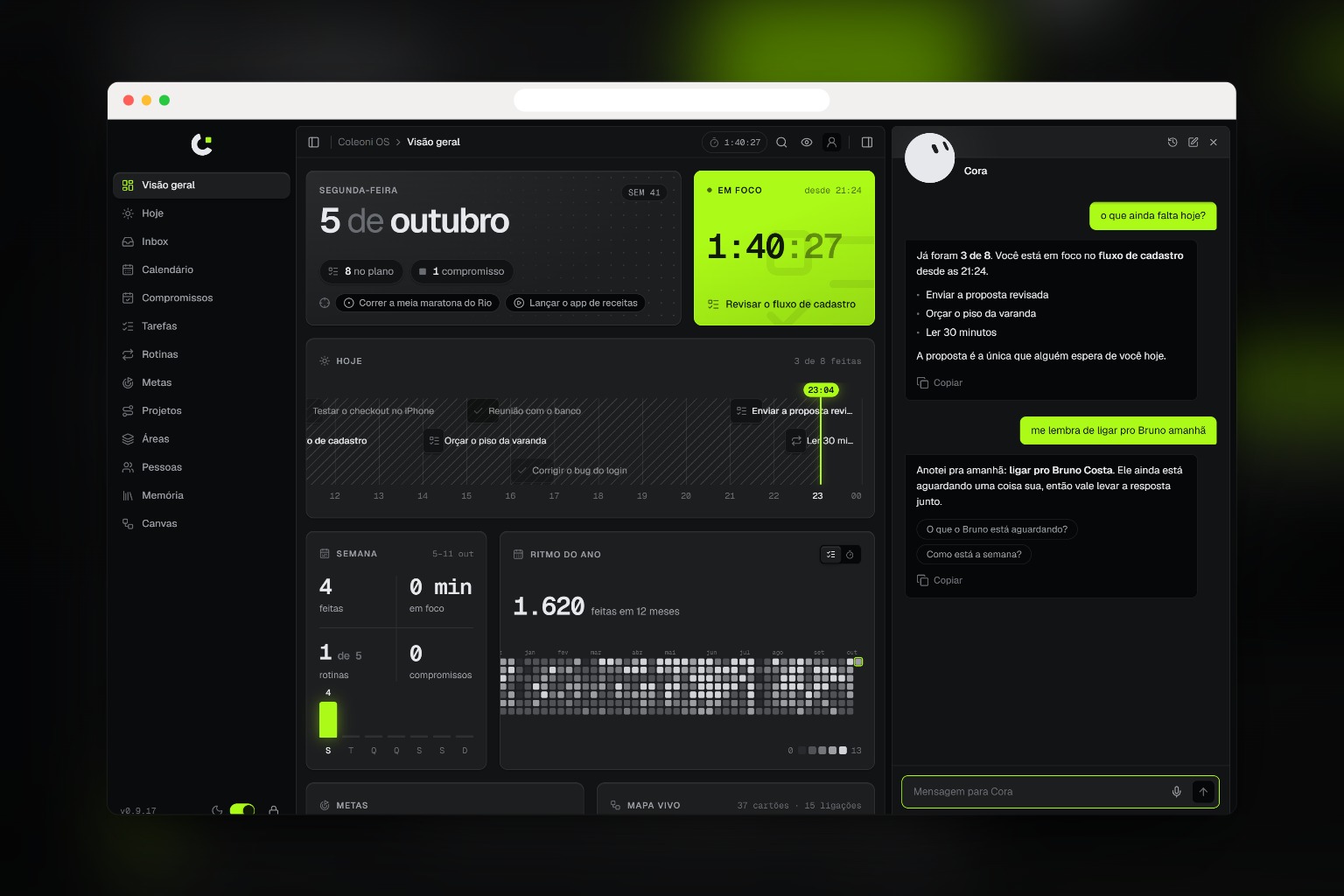
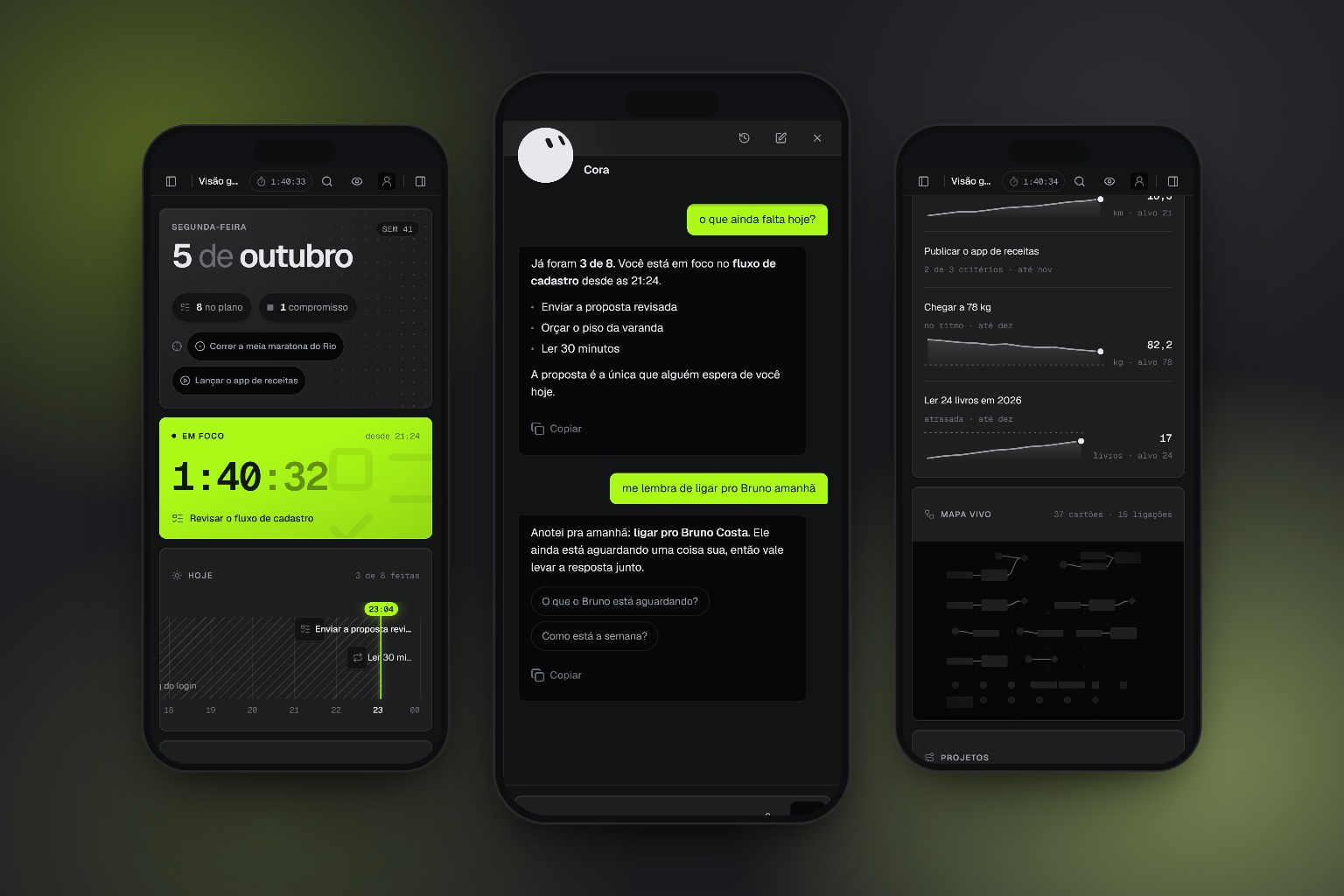
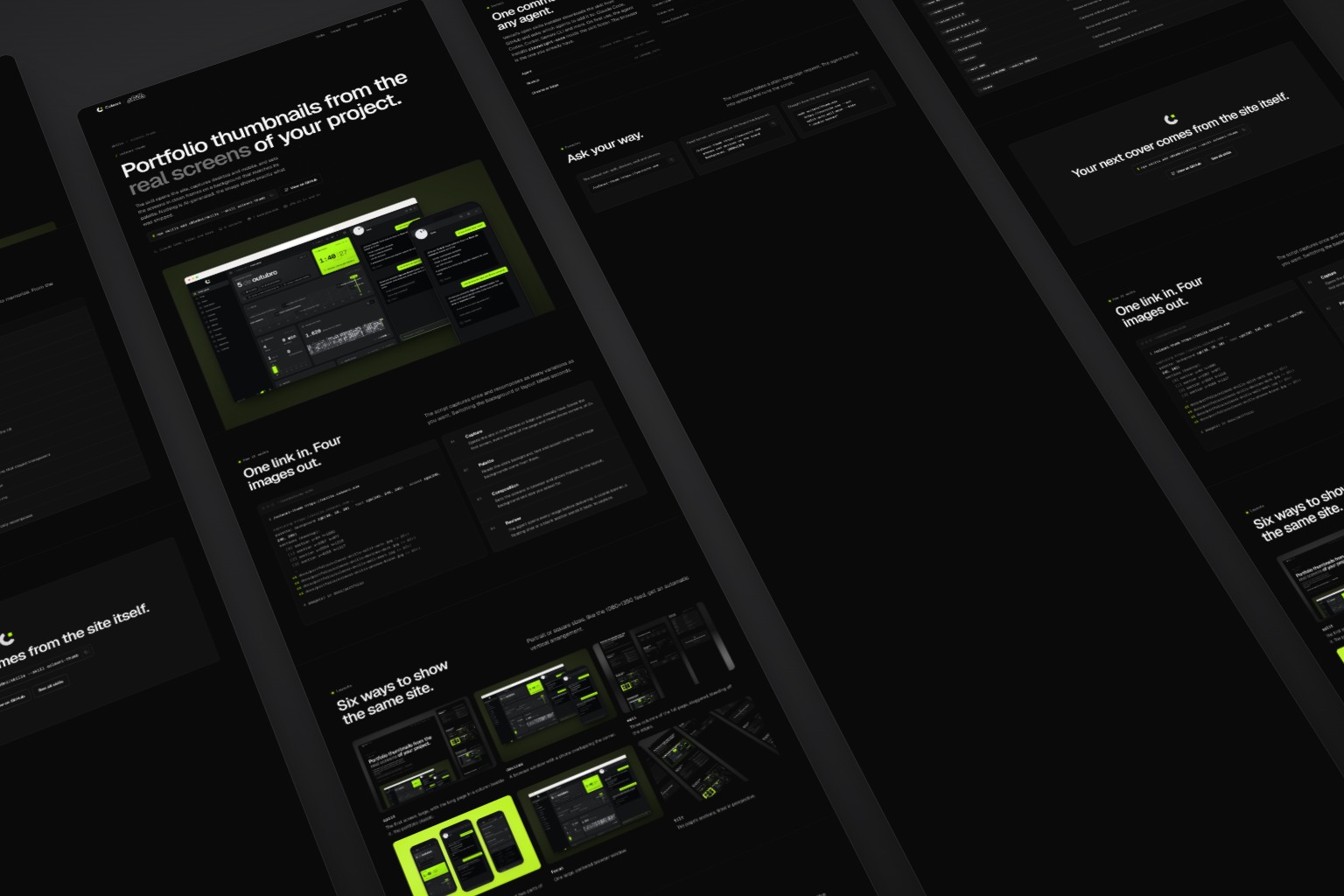
One link in. Four images out.
The script captures once and recomposes as many variations as you want. Switching the background or layout takes seconds.
$ /coleoni-thumb https://skills.coleoni.com

capturing https://skills.coleoni.com …
palette: background rgb(10, 10, 10) · text rgb(245, 245, 245) · accent rgb(245, 245, 245)
sections (desktop):
  [0] section y=64 h=1893
  [1] section y=1957 h=977
  [2] section y=2934 h=1216
  [3] section y=4150 h=1117
  …
ok docs/portfolio/coleoni-skills-split-auto.jpg (+ @2x)
ok docs/portfolio/coleoni-skills-devices-dark.jpg (+ @2x)
ok docs/portfolio/coleoni-skills-wall-mesh.jpg (+ @2x)
ok docs/portfolio/coleoni-skills-phones-brand.jpg (+ @2x)

4 image(s) in docs/portfolio
-
01
Capture
Opens the site in the Chrome or Edge you already have. Saves the first screen, every section of the page and three phone screens, at 2×.
-
02
Palette
Reads the site's background, text and accent colors. The image backgrounds come from there.
-
03
Composition
Sets the screens in browser and phone frames, in the layout, background and size you asked for.
-
04
Review
The agent opens every image before delivering. A cookie banner, a floating chat or a blank section sends it back to capture.
Six ways to show the same site.
Portrait or square sizes, like the 1080×1350 feed, get an automatic vertical arrangement.
The background comes from the site's palette.
Same capture, seven backgrounds. Pick one and watch the image change.
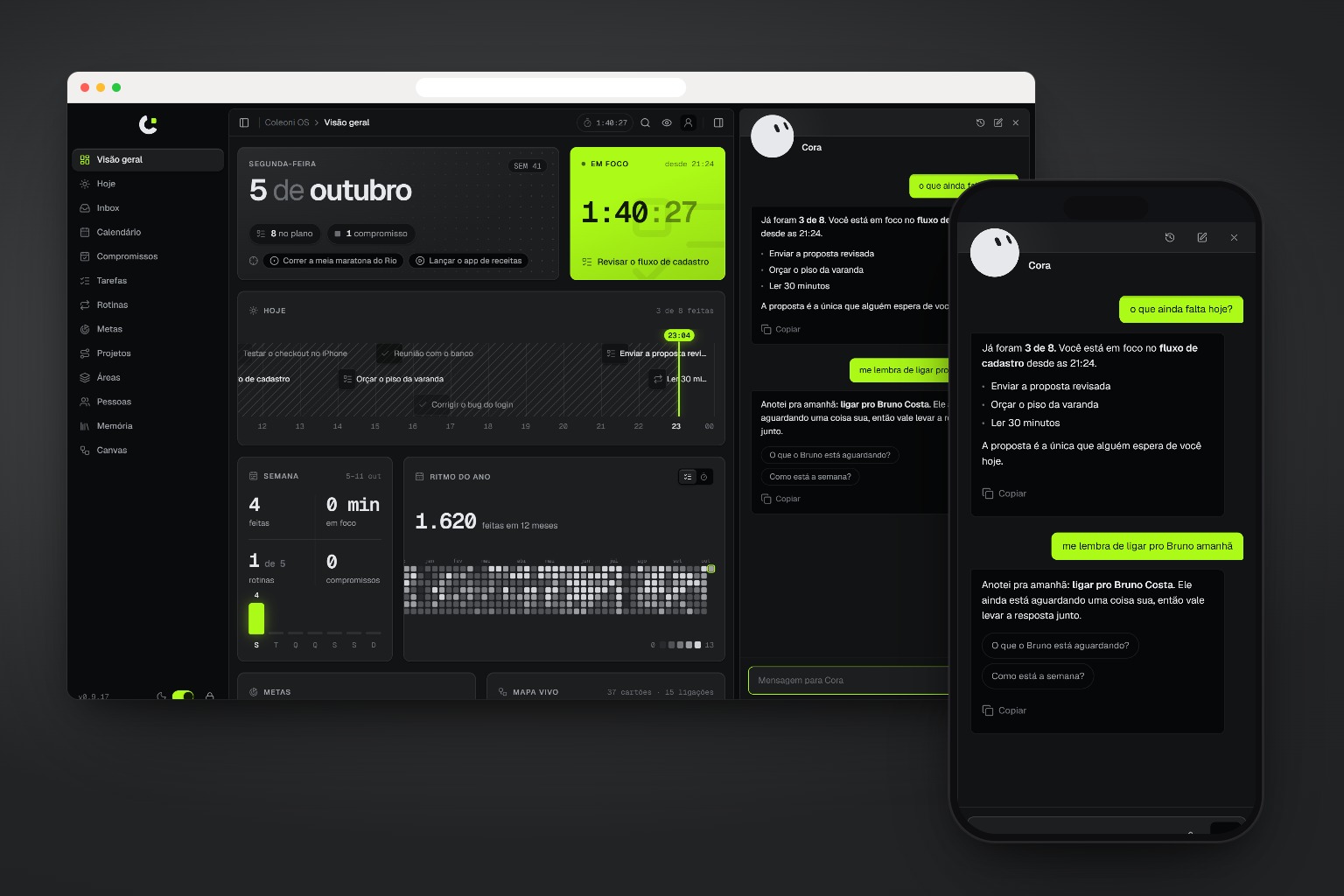
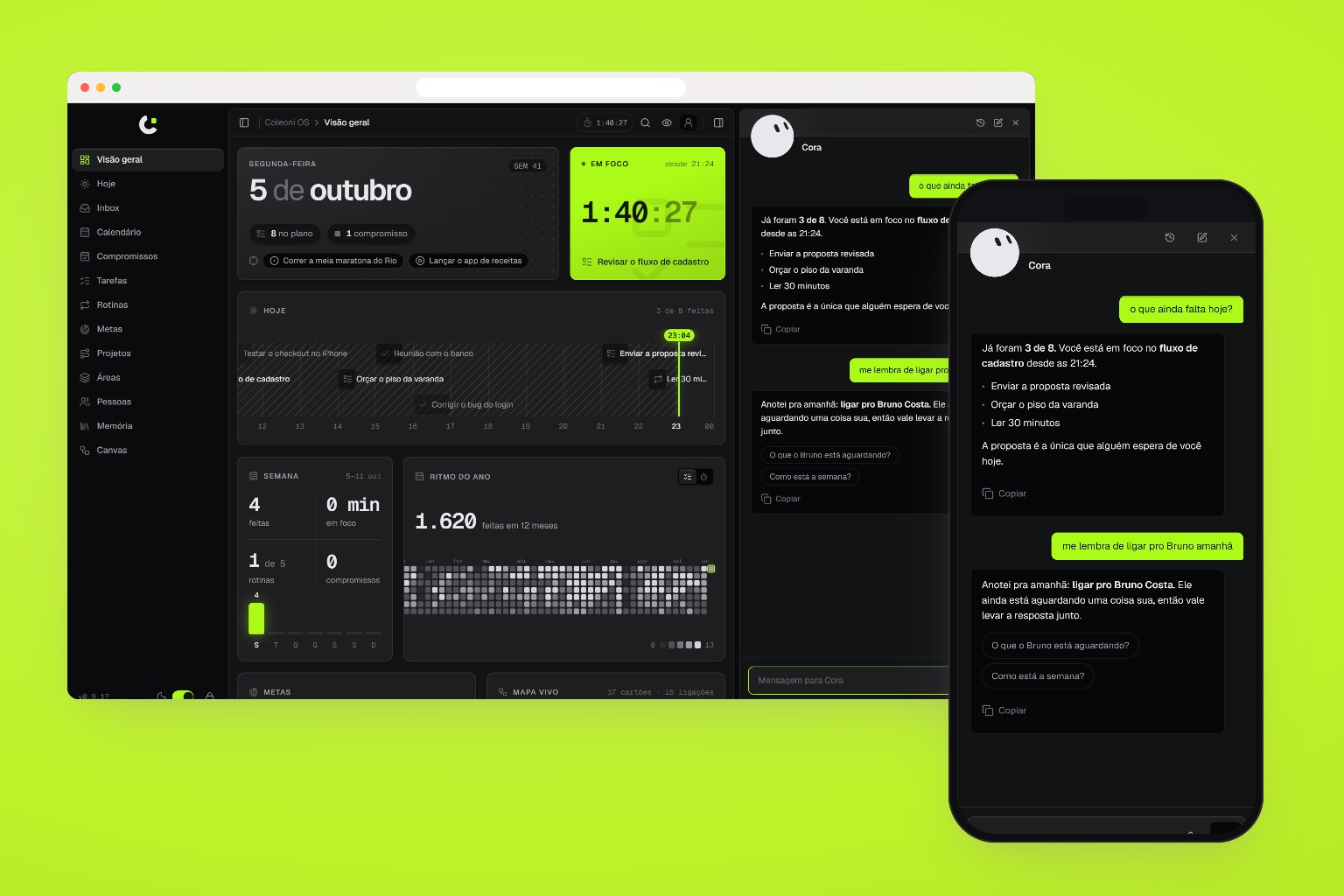
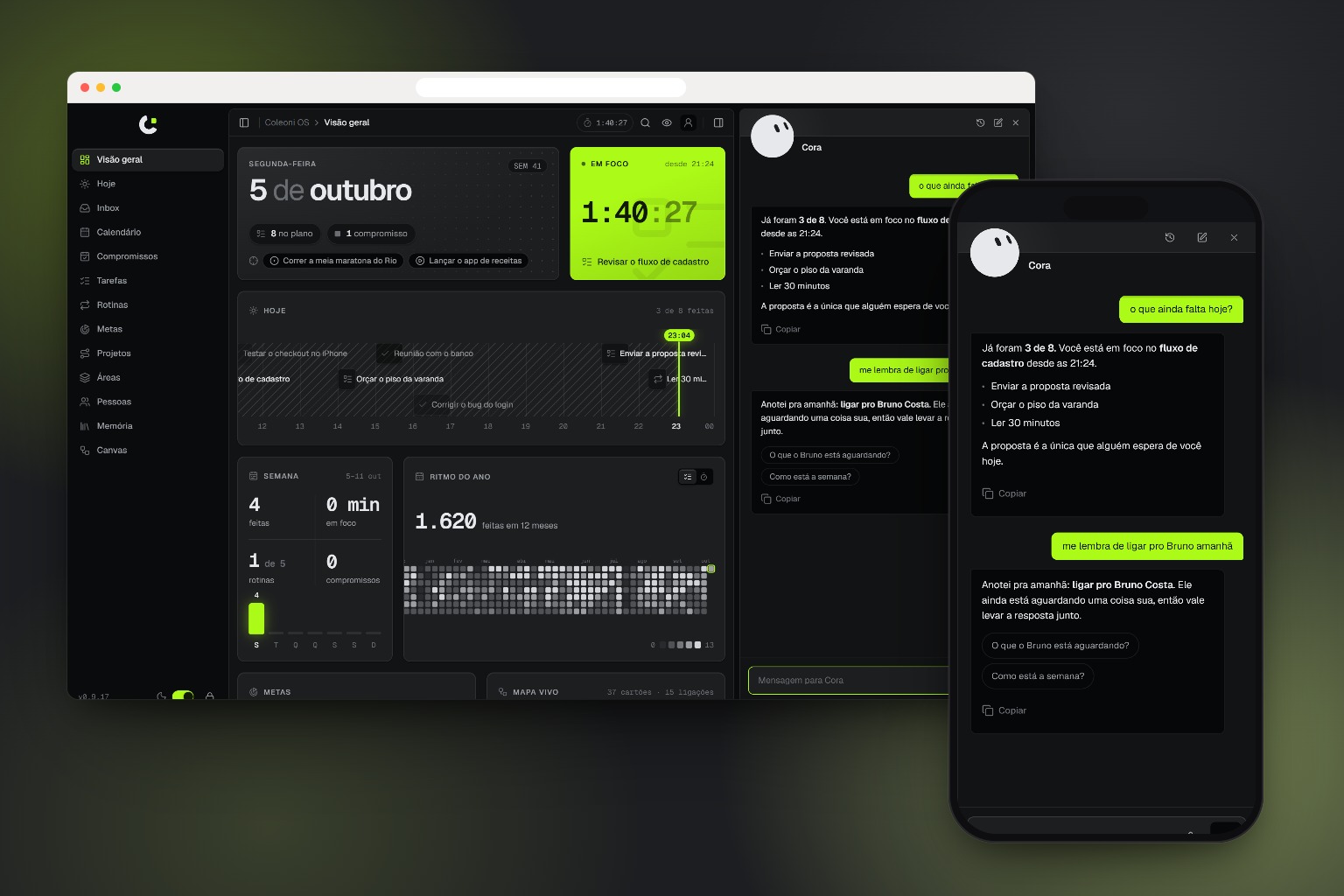
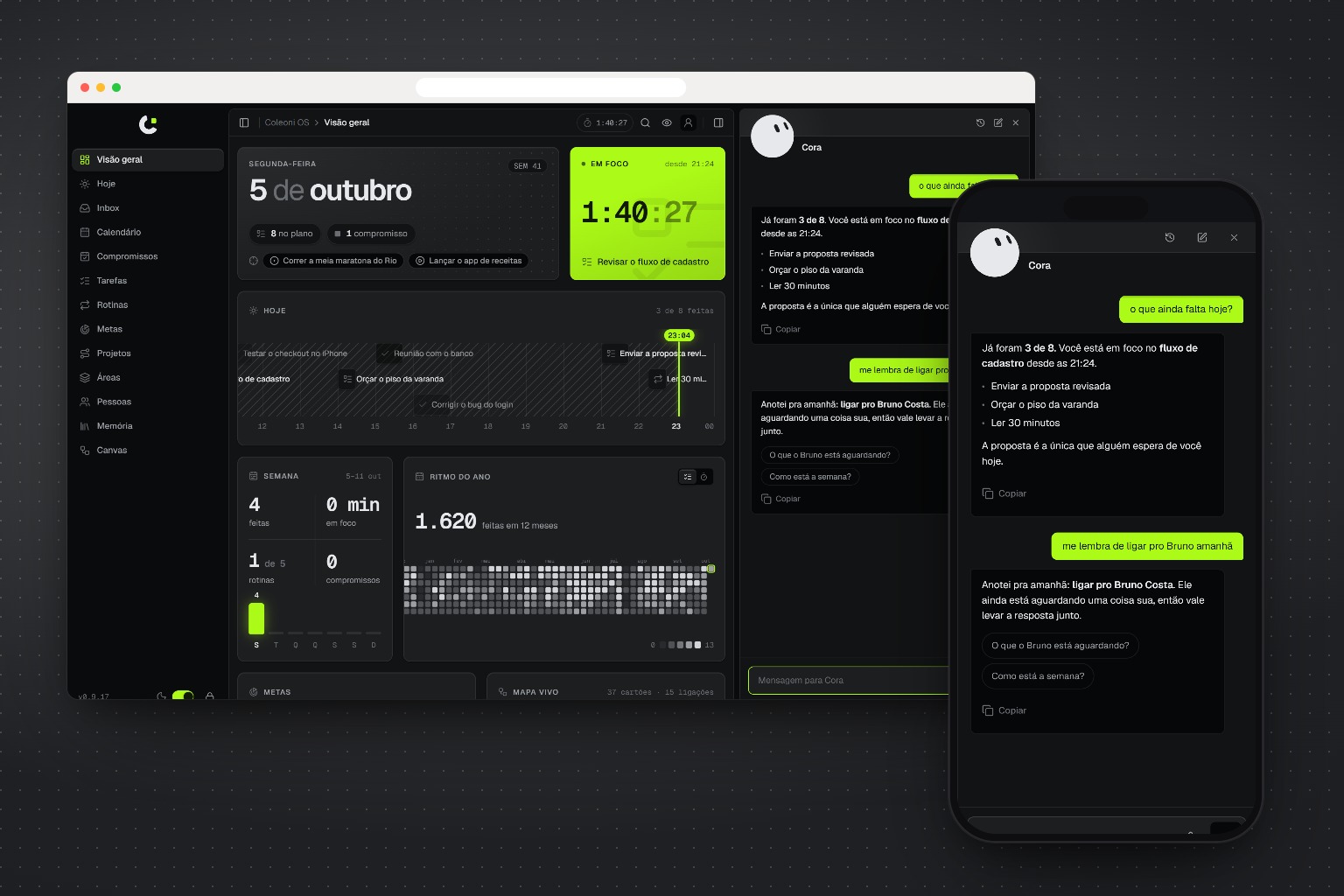
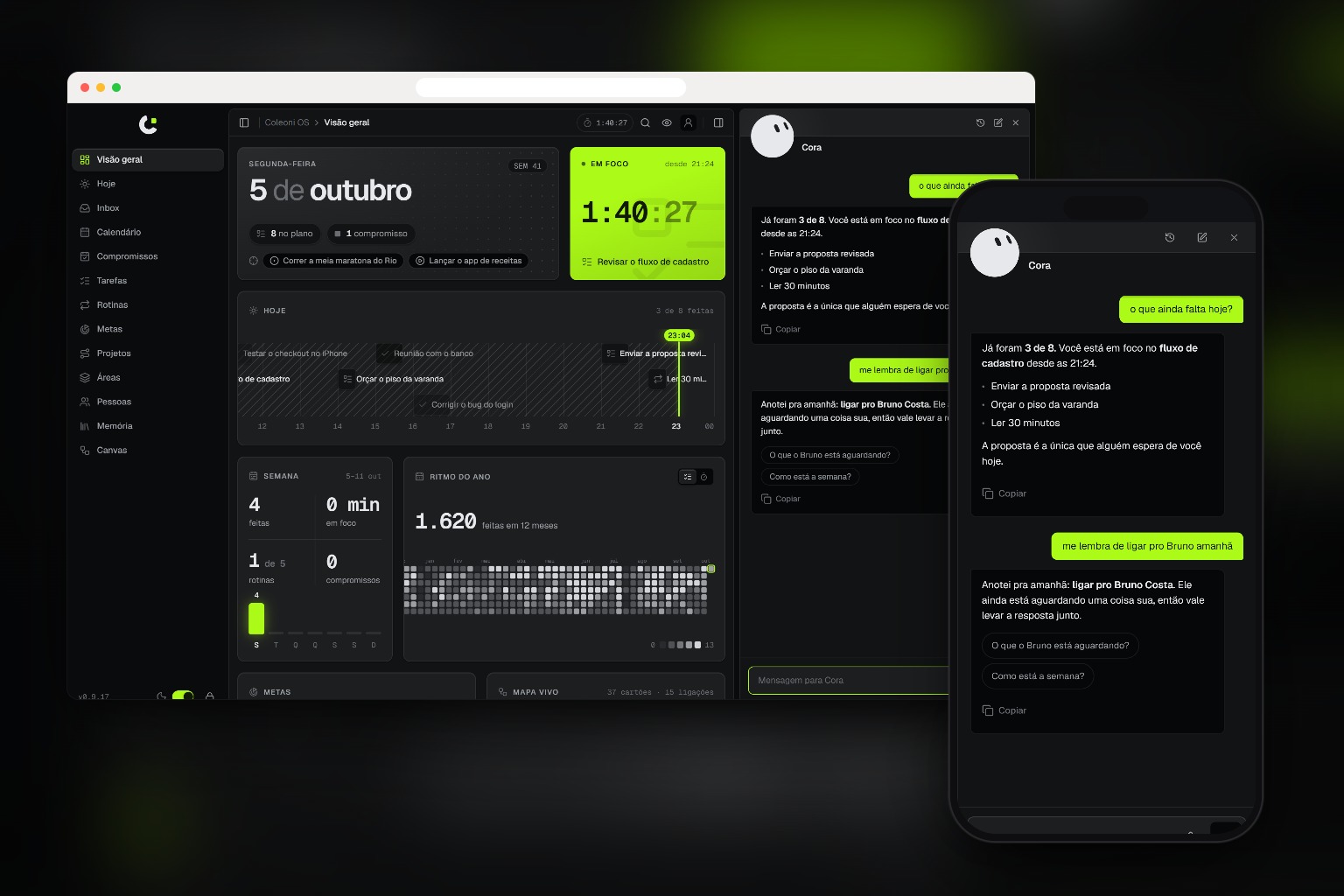
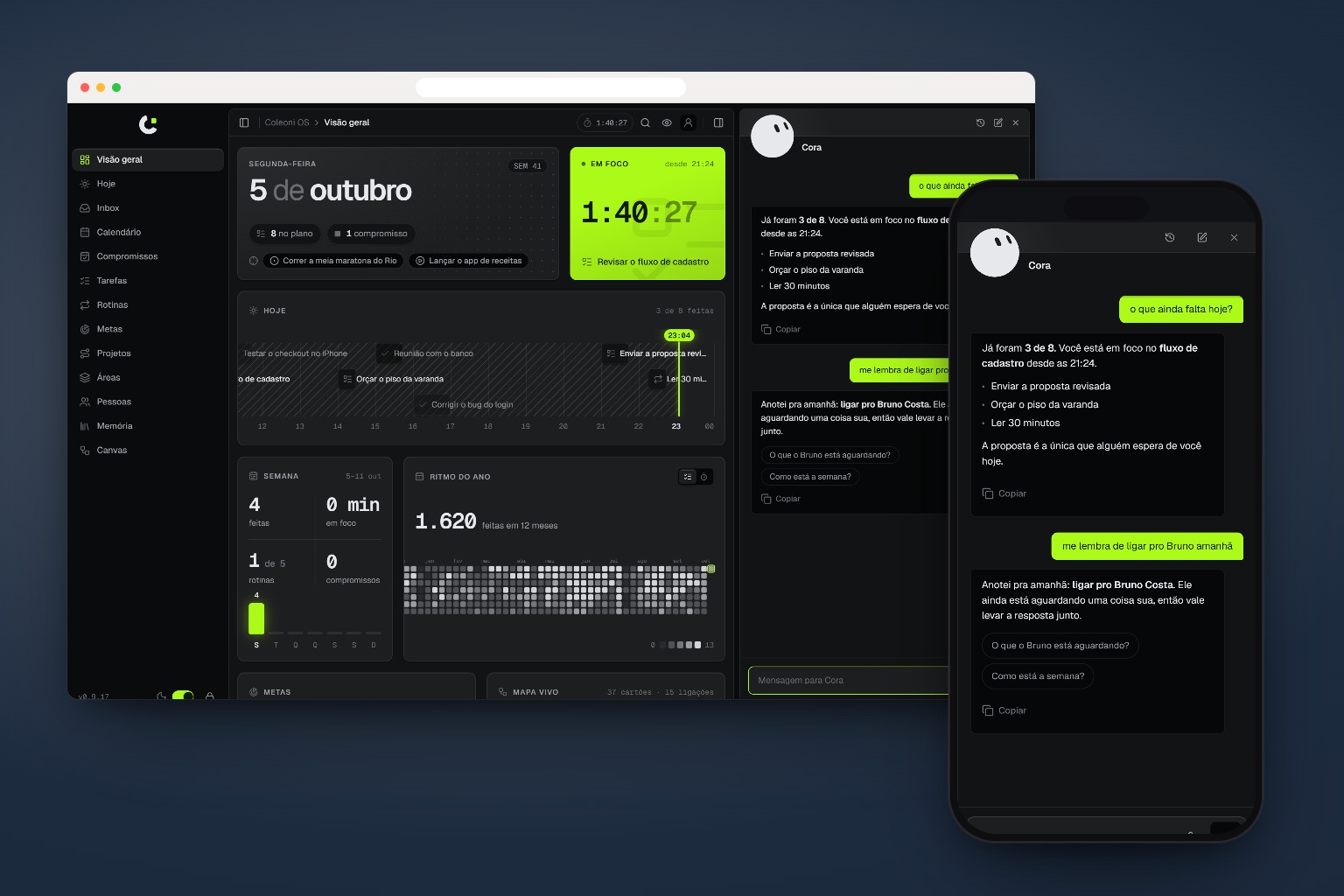
From Behance to the feed.
Every image comes out at 1× and 2×, in the size you ask for. The most common:
One command, any agent.
Vercel's open skills installer downloads the skill from GitHub and asks which agents to add it to: Claude Code, Codex, Cursor, Gemini CLI and more. On first use, the agent installs playwright-core inside the skill folder. The browser is the one you already have.
npx skills add c0le0ni/skills --skill coleoni-thumb
/coleoni-thumb https://yoursite.com
-g-a claude-code-a codexnpx skills add c0le0ni/skillsAsk your way.
The command takes a plain-language request. The agent turns it into options and runs the script.
The default set: split, devices, wall and phones.
/coleoni-thumb https://yoursite.com
Feed format, with phones on the brand background.
/coleoni-thumb https://yoursite.com phones and devices on the brand background, 1080x1350
Straight from the terminal, hiding the cookie banner.
node scripts/thumb.mjs https://yoursite.com --set split:auto,wall:mesh --hide ".cookie-banner"
Everything the script accepts.
Through the agent there is nothing to memorize. From the terminal, this is the list.
| Option | What it does |
|---|---|
--set split:auto,phones:#1f2a24 | Exact layout and background pairs |
--layouts a,b --bg x,y | Every layout with every background |
--frame plain|browser | Frame for desktop screens |
--size 1536x1024 | Size at 1×. The 2× comes with it |
--out docs/portfolio | Output folder |
--name my-project | File prefix. Default: the site title |
--label example.com | Text in the browser bar |
--column 1,2,5,9 | Sections for the long page, the wall and the tilt |
--phone-at 0,0.3,0.62 | Parts of the page on the three phones |
--hide ".cookie,#chat" | Hides elements in the captures |
--force-visible | Shows entrance-animation elements that stayed transparent |
--motion | Captures without reduced motion |
--wait 800 | Extra wait before capturing, in ms |
--desktop 1440x900 --mobile 390x844 | Capture viewports |
--reuse | Reuses the captures and only recomposes |

Your next cover comes from the site itself.
npx skills add c0le0ni/skills --skill coleoni-thumb