

Everyone can use it. Now you can prove it.
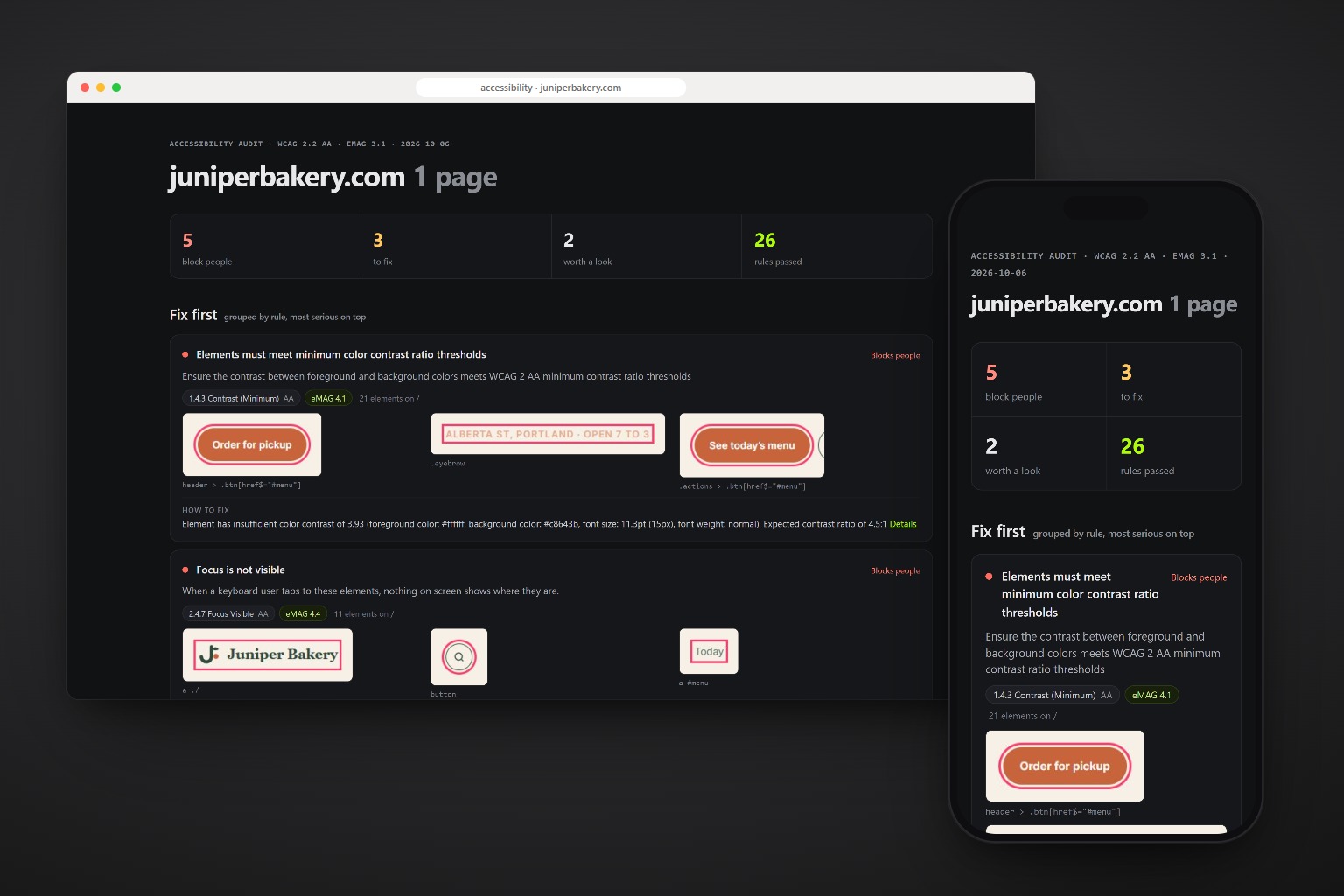
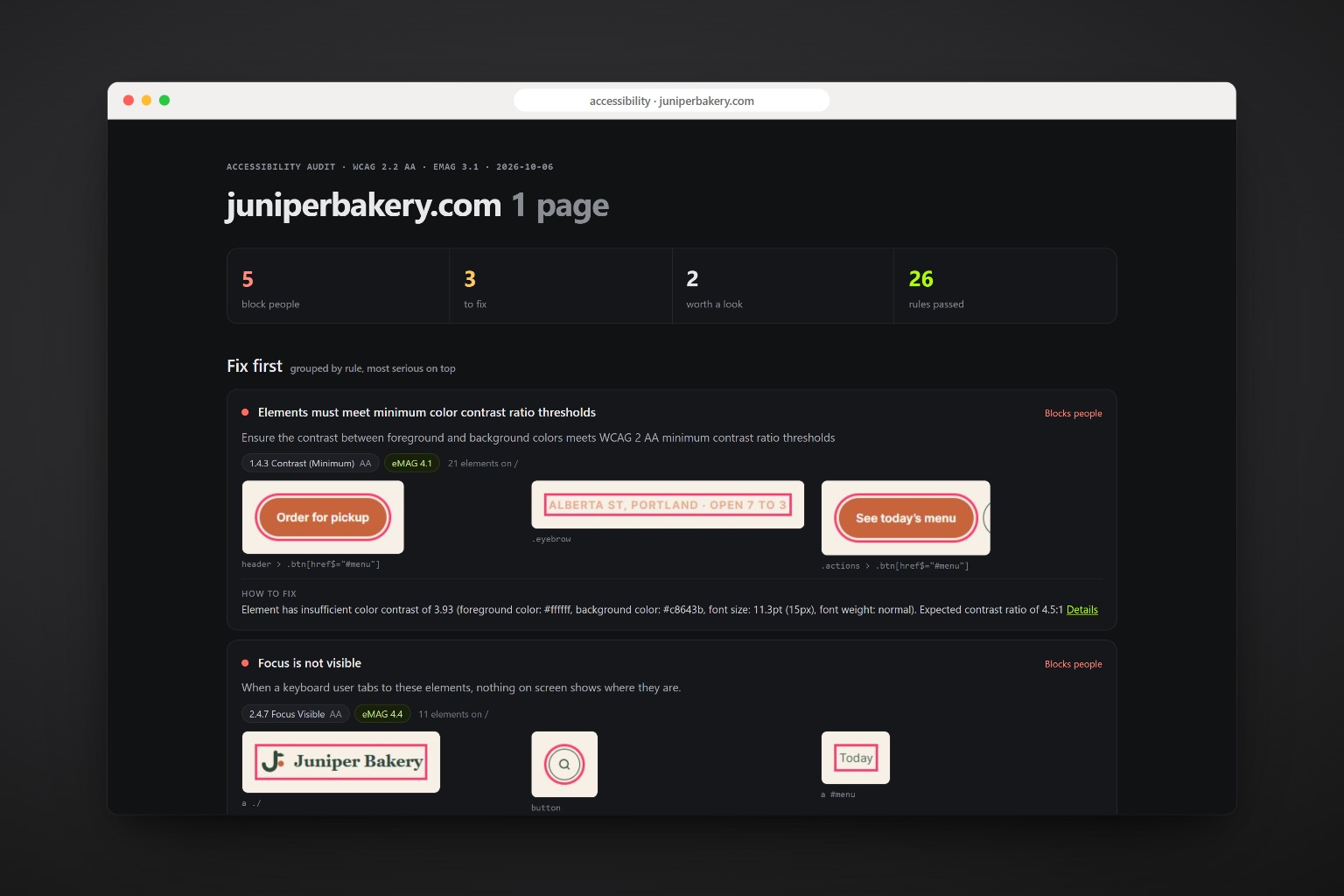
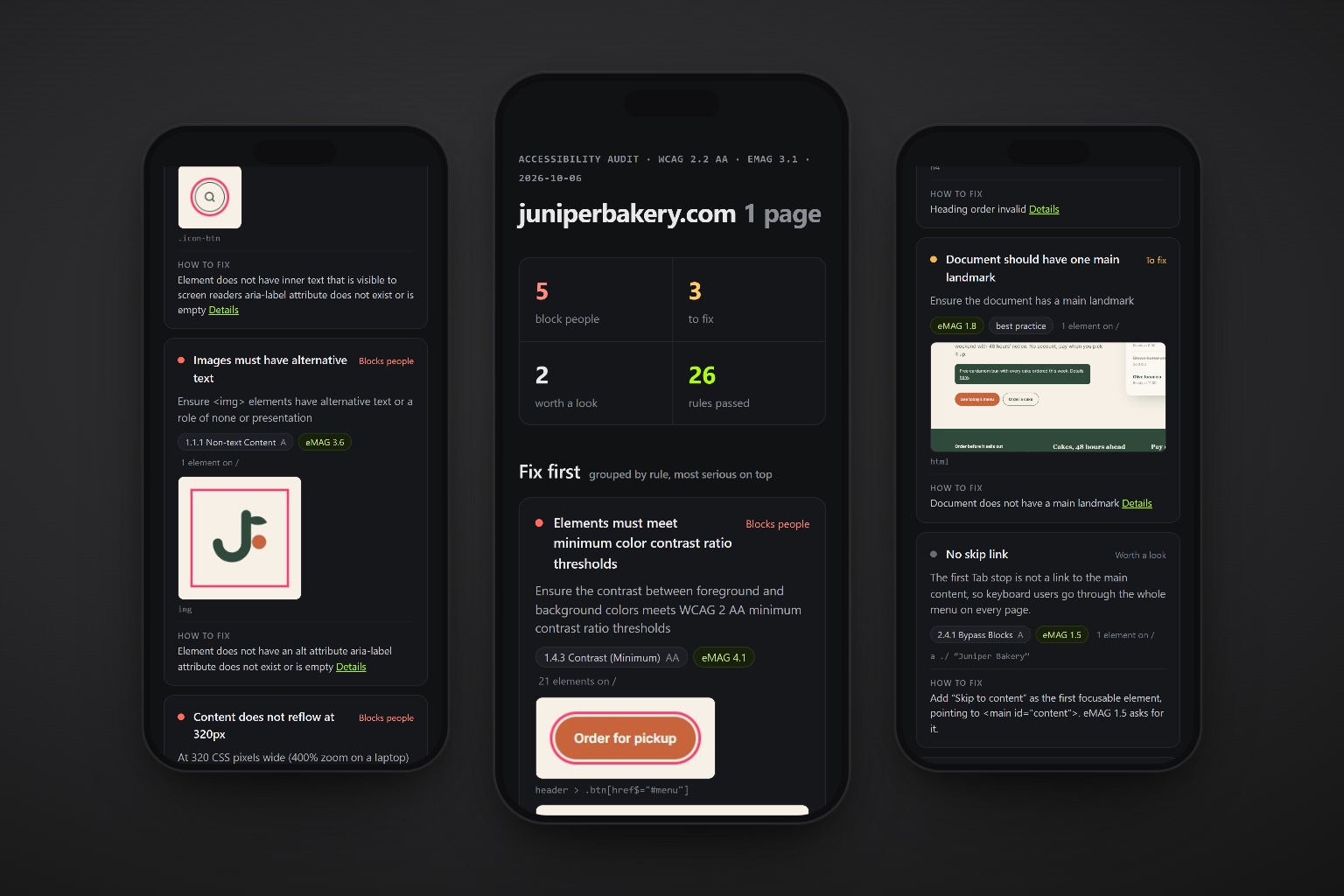
The skill checks a site the way people with disabilities use it: on a keyboard, with a screen reader, with low vision, zoomed in, sensitive to motion. Every problem comes cropped from the page, mapped to WCAG 2.2 and to the Brazilian eMAG, with who it blocks and how to fix it.
npx skills add c0le0ni/skills --skill coleoni-a11y
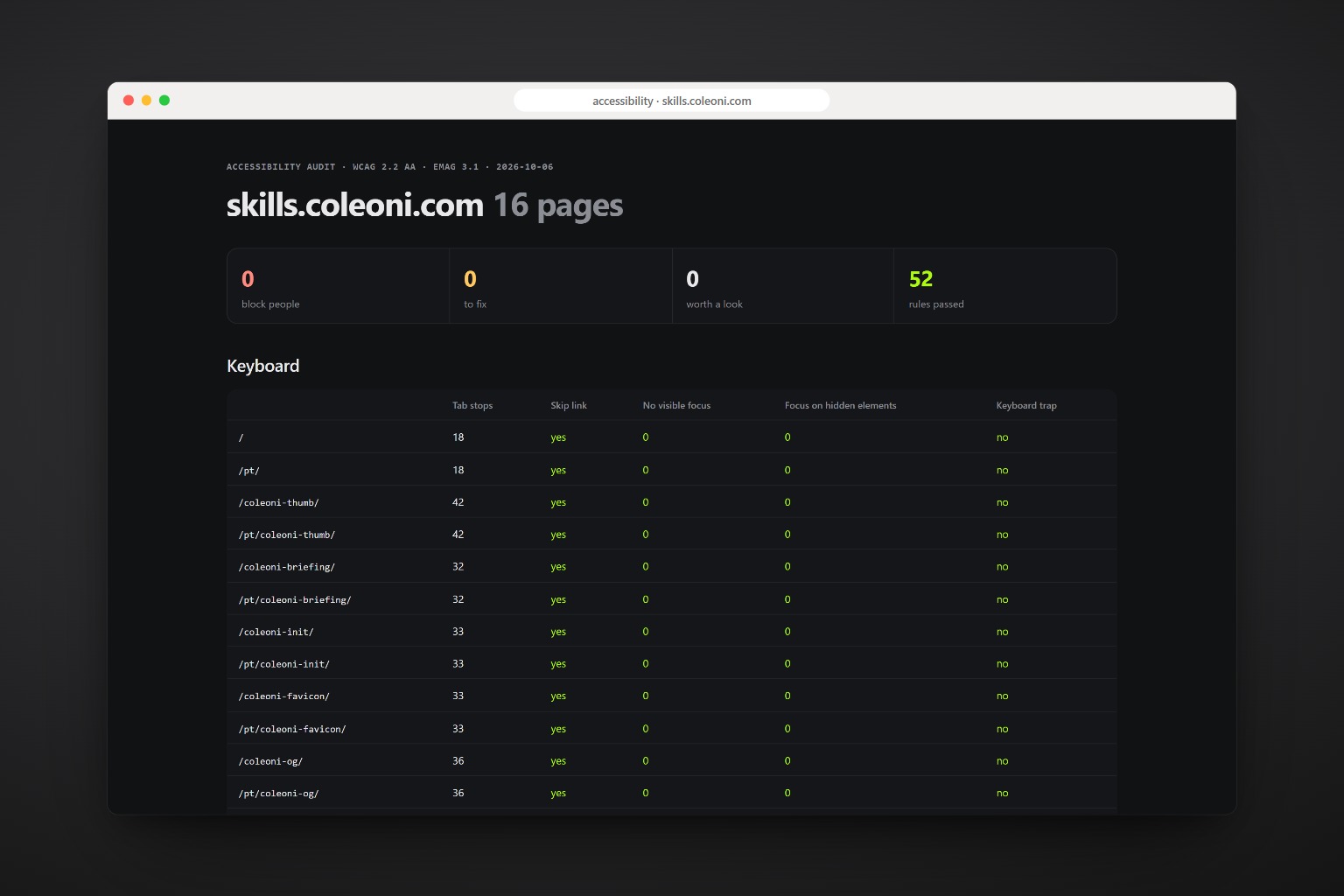
This site failed its own audit. Then it passed.
We ran the skill on skills.coleoni.com. The faint grey text failed contrast on every page, the language button hid its label, and there was no skip link. A token, an attribute and one link later: zero.
skills.coleoni.com, before the audit

  color-contrast          268 elements
    #707070 on #111111 = 3.81:1  (needs 4.5)
  label-content-name      16
    "EN" missing from the button's name
  scrollable-region       4
    code boxes the keyboard can't reach
  skip link               none on 16 pages

after: 0 problems · 52 rules passed
The rule engine, then the keyboard, then a person.
Automated rules find part of the problems. The skill adds the checks a rule engine skips, and then does the manual pass a script can’t.
-
Runs axe-core
WCAG 2.0, 2.1 and 2.2, levels A and AA, plus best practices, on every page from the sitemap.
-
Walks with the keyboard
Tab through every page: is focus visible, does it fall on hidden things, does it get stuck, is there a skip link.
-
Zooms and calms down
Reflow at 320px, the 400% zoom test, and animations that keep running with reduced motion on.
-
Crops every problem
Each failing element cut from the page and outlined, so the team sees it without hunting.
-
Maps to WCAG and eMAG
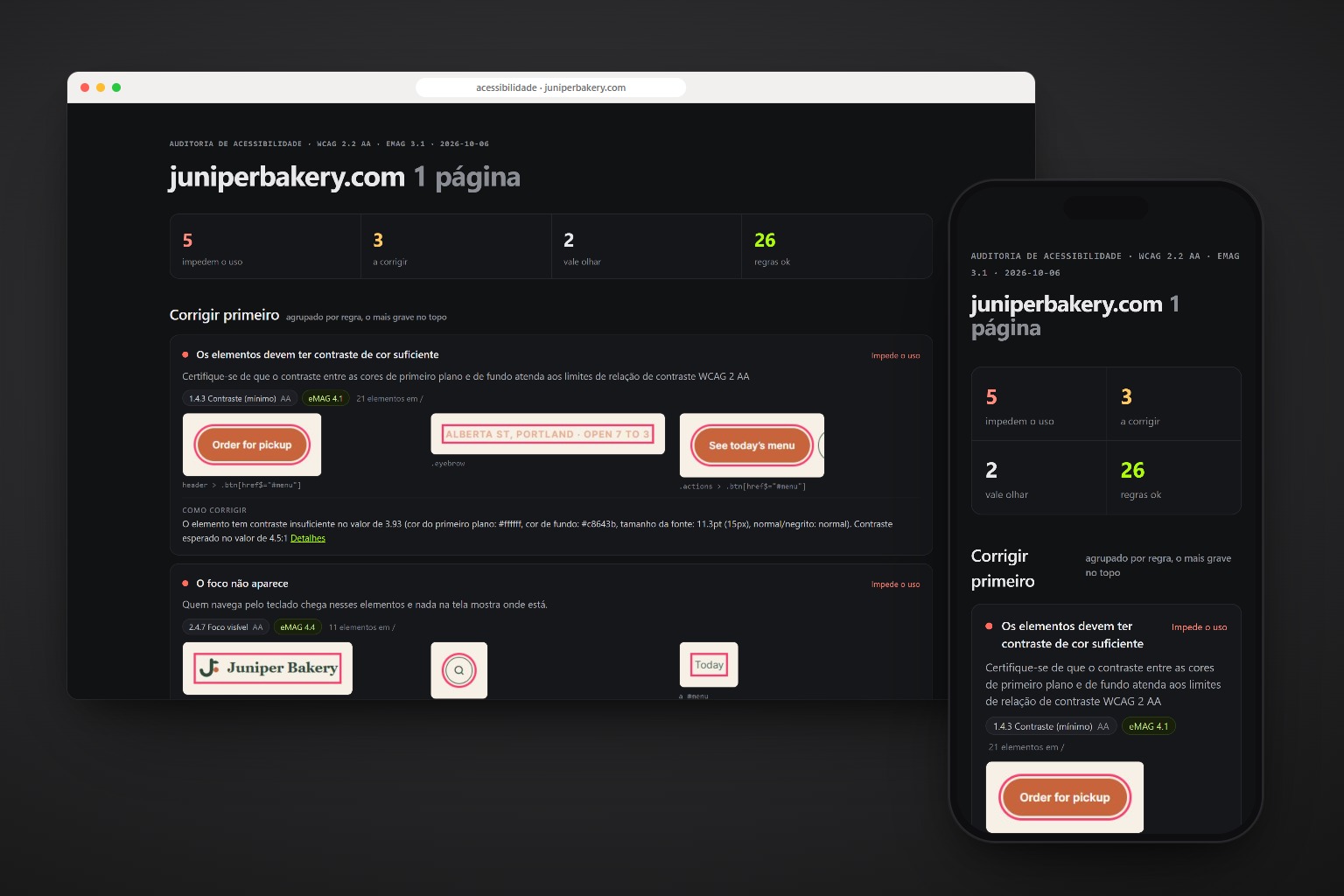
Every problem with its WCAG 2.2 criterion and its eMAG 3.1 recommendation, in English or Portuguese.
-
Fixes, if you ask
Tokens before components, native elements before ARIA, and the audit again to show the new count.
Each problem, and who it blocks.
A sample of what the report finds, with the criteria it cites.
| Problem | Who it blocks · WCAG · eMAG |
|---|---|
| Low contrast text | Low vision, bright sun · 1.4.3 · 4.1 |
| No visible focus | Keyboard users · 2.4.7 · 4.4 |
| Button or link without a name | Screen readers · 4.1.2 · 2.2, 3.5 |
| Image without alt text | Screen readers · 1.1.1 · 3.6 |
| Field without a label | Screen readers, voice control · 3.3.2 · 6.2 |
| Page scrolls sideways at 320px | Zoom users · 1.4.10 · 4.3 |
| No skip link | Keyboard users · 2.4.1 · 1.5 |
| Animation ignores reduced motion | Vestibular disorders · 2.3.3 · 5.5 |
One command, any agent.
The packages are axe-core and playwright-core, installed by the agent on first use. It drives the Chrome or Edge you already have.
npx skills add c0le0ni/skills --skill coleoni-a11y
/coleoni-a11y https://yoursite.com
-g-a claude-code-a codexnpx skills add c0le0ni/skillsBefore launch, or before the client asks.
It shows the report first. Code changes only when you say so.
Audit the live site.
/coleoni-a11y https://yoursite.com
A Brazilian client, report in Portuguese.
/coleoni-a11y https://site.com.br --lang pt
Fix the build before deploy.
/coleoni-a11y ./dist, fix the contrast and the focus
The engine, from the terminal.
scripts/a11y.mjs runs on its own too: node a11y.mjs https://yoursite.com --out a11y-report.
| Option | What it does |
|---|---|
<url | folder> | A live site, a dev server or a build folder served on a temporary port |
--lang en|pt | Report language; Portuguese uses the eMAG names and axe in Portuguese |
--pages 10 | Most pages to audit, from the sitemap or the links |
--domain site.com | Name in the report, for local builds |
--no-keyboard | Skip the Tab walk |

Built for everyone. Checked for everyone.
npx skills add c0le0ni/skills --skill coleoni-a11y